In an increasingly connected world, where every gadget demands a plug, the quest for more electrical outlets often leads us to power strips. These indispensable devices multiply our available plug-ins, bringing order to chaotic cables and powering our digital lives. However, the convenience they offer can sometimes tempt users into a hazardous practice known as “daisy chaining” – connecting one power strip into another. This article delves into the fundamental differences between proper power strip use and the dangers of daisy chaining, ensuring you can power your electronics safely and efficiently.
What is a Power Strip and Why You Might Need One?
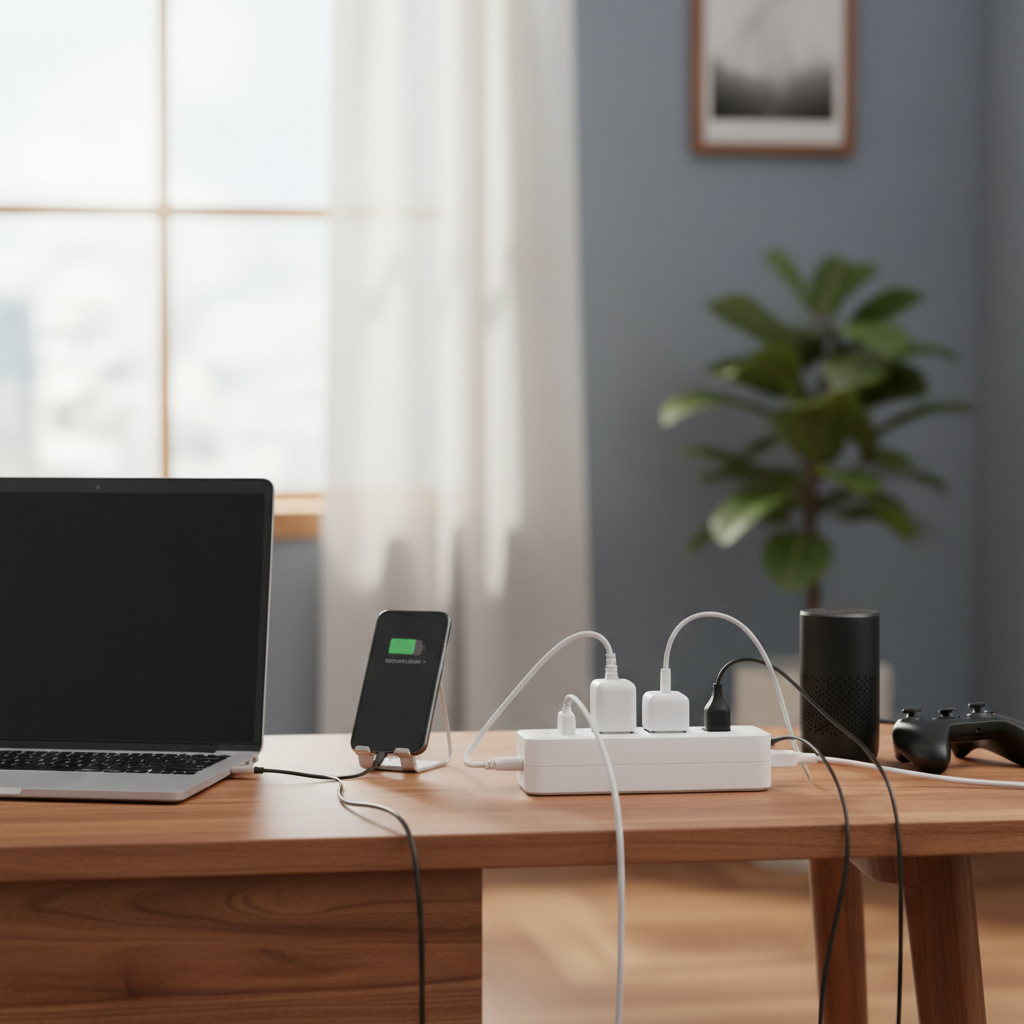
A power strip, also known as a power board, extension block, or multi-outlet strip, is a device that includes multiple electrical sockets in one unit. It usually connects to a single wall outlet, effectively expanding the number of devices you can plug in from that single source. People rely on power strips for various reasons, from organizing cables in an entertainment center to providing extra outlets for a home office setup where multiple monitors, computers, and chargers are in use. They are invaluable for convenience, tidiness, and sometimes, for offering surge protection to delicate electronics. Common household and office devices connected to power strips include computers, printers, lamps, phone chargers, televisions, and gaming consoles.
[image-1|power-strip-multi-outlets|A modern power strip with multiple outlets and USB ports, neatly organizing various device plugs.|
A close-up, high-angle shot of a modern white power strip with six AC outlets and two USB ports. Several plugs from common electronic devices (phone charger, laptop adapter) are neatly inserted. The background is a clean, minimalist desk surface. Natural, bright lighting. Realistic photographic style.]
The Perilous Practice of Daisy Chaining
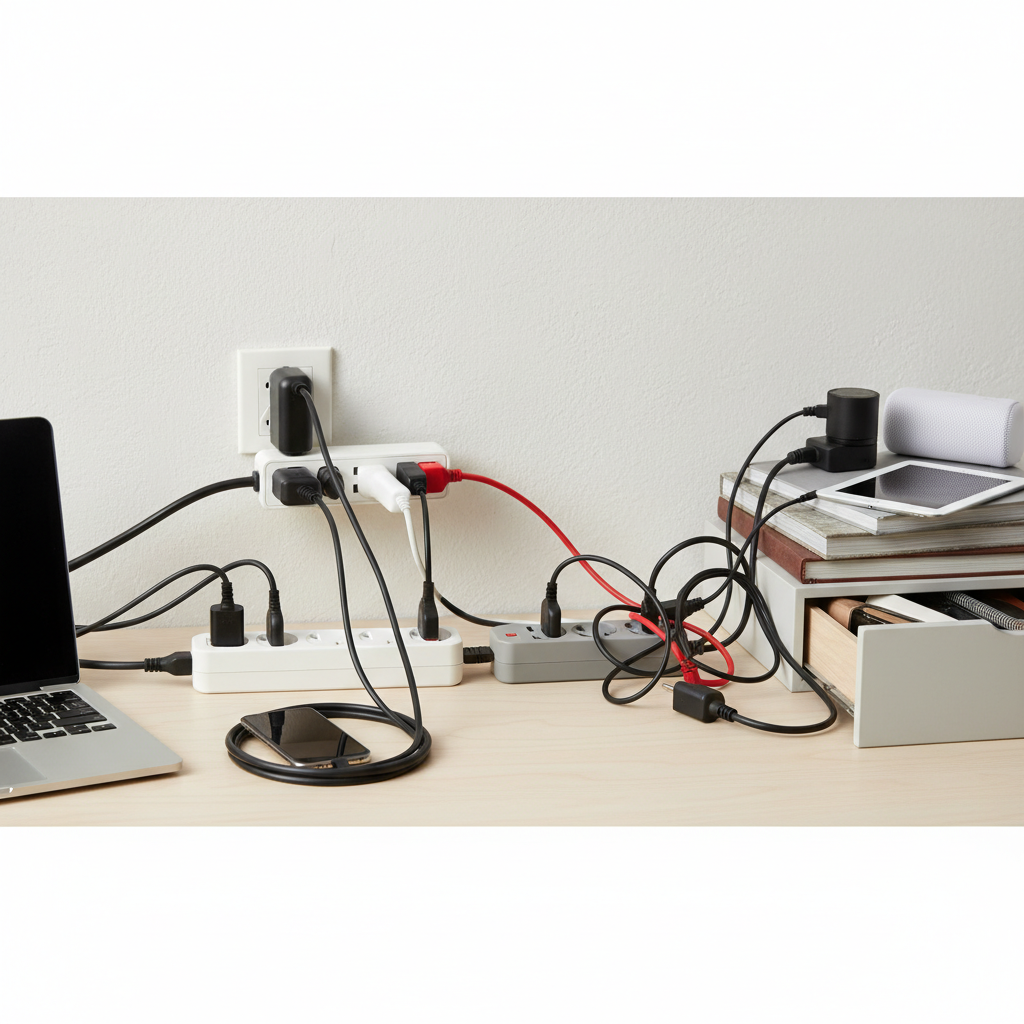
Daisy chaining is the act of connecting one power strip into another power strip, or even connecting an extension cord to a power strip that is then plugged into another power strip. This creates a chain of power-multiplying devices. The temptation to daisy chain often arises from a perceived shortage of wall outlets in older buildings or a need to extend power over a greater distance without realizing the inherent dangers. While it might seem like a practical solution to expand your power capacity or reach a distant corner, this seemingly convenient method is strongly advised against by electrical safety experts and organizations worldwide.
The Hidden Dangers: Overload, Fire, and Code Violations
The risks associated with daisy chaining are significant and can lead to serious hazards, including property damage, electrical shocks, and even fires. Understanding these dangers is crucial for maintaining a safe environment.
Electrical Overload
|
Our Picks for the Best Power strip in 2026
As an Amazon Associate I earn from qualifying purchases.
|
||
| Num | Product | Action |
|---|---|---|
| 1 | 6 Ft Surge Protector Power Strip - 8 Widely Outlets with 4 USB Ports, 3 Side Outlet Extender with 6 Feet Extension Cord, Flat Plug, Wall Mount, Desk USB Charging Station, ETL,White |

|
| 2 | Power Strip, ALESTOR Surge Protector with 12 Outlets and 4 USB Ports, 6 Feet Extension Cord (1875W/15A), 2700 Joules, ETL Listed, Black |
|
| 3 | KMC 6-Outlet Surge Protector Power Strip 2-Pack, 900 Joules, 4-Foot Extension Cord, Overload Protection, Black |
|
| 4 | Anker Power Strip with 2100J Surge Protector, Outlet Extender, 5ft Extension Cord with Multiple Outlets, 12 AC, 2 USB A,1 USB C Port for 20W, Home Office, Dorm Room Essentials, TUV Listed |
|
| 5 | Surge Protector Power Strip - HANYCONY 8 Outlets 4 USB (2 USB C) Charging Ports, Multi Plug Outlet Extender, 5Ft Braided Extension Cord, Flat Plug Wall Mount Desk Charging Station for Home Office ETL |
|
| 6 | Belkin 12-Outlet Surge Protector Power Strip w/ 12 AC Outlets & 8ft Flat Plug, UL-Listed Heavy-Duty Extension Cord for Home, Office, Travel, Computer, Laptop, Charger - 3,940 Joules of Protection |
|
| 7 | Power Strip Surge Protector, Olcorife Ultra Thin Flat Plug Extension Cord 5ft, 6 Outlets 3 USB Ports(1 USB C), 3 Sided Outlet Extender for Home Office Travel Dorm Room Essentials, White |
|
| 8 | 6Ft Power Strip Surge Protector - Yintar Extension Cord with 6 AC Outlets and 3 USB Ports for for Home, Office, Dorm Essentials, 1680 Joules, ETL Listed, (Black) |
|
| 9 | Surge Protector Power Strip - Nuetsa Flat Plug Extension Cord with 8 Outlets and 4 USB Ports, 6 Feet Power Cord (1625W/13A), 2700 Joules, ETL Listed, Black |
|
| 10 | Wall Charger, Surge Protector, QINLIANF 5 Outlet Extender with 4 USB Charging Ports, 3-Sided 1680J Power Strip Multi Plug Adapter Spaced for Home Travel Office |
|
The primary concern with daisy chaining is the risk of electrical overload. Each power strip is designed to handle a specific maximum electrical load, measured in amps or watts. When you connect multiple power strips, especially with high-power devices plugged into them, the total current drawn through the first power strip and the original wall outlet can quickly exceed their rated capacity. This also applies to the entire electrical circuit supplying power to that wall outlet. An overloaded circuit struggles to supply sufficient power, leading to a build-up of heat.
“Connecting multiple power strips can draw more power than the circuit can handle, leading to tripped breakers or even more dangerous electrical incidents.”
Overheating and Fire Hazard
Electrical overload directly contributes to overheating. When wires, outlets, and internal components are forced to carry more current than they are designed for, they generate excessive heat. This heat can melt the plastic insulation around wires, damage the internal circuitry of the power strips, and potentially ignite nearby combustible materials, leading to a dangerous electrical fire. Many fire safety guidelines explicitly warn against this practice due to the high fire risk.
Code Violations
Daisy chaining power strips is not just risky; it’s a violation of numerous electrical codes and safety regulations. Organizations like the Occupational Safety and Health Administration (OSHA), the National Electrical Code (NEC), and the U.S. Consumer Product Safety Commission (CPSC) all advise against this practice. These codes are established to prevent electrical hazards and ensure public safety. Compliance with these standards means never daisy chaining power strips or extension cords.
Damage to Appliances and Devices
Beyond the risk to property and safety, electrical overload and the resulting power fluctuations can also damage your valuable electronic devices. Inconsistent power delivery can stress sensitive components, reduce the lifespan of your appliances, or even cause immediate failure. Surge protectors, when daisy-chained, also lose their effectiveness, leaving your devices vulnerable to voltage spikes.
[image-2|electrical-overload-fire-risk|A dramatic illustration of an overloaded electrical outlet with sparks and smoke, depicting a fire hazard.|
An illustrative, slightly exaggerated image showing a wall outlet with a power strip plugged in, and another power strip visibly daisy-chained. Smoke is emanating from the connection points and subtle sparks are visible, indicating overheating and a potential fire hazard. The lighting is dim with a warm, dangerous glow. Editorial illustration style.]
Safe Alternatives to Daisy Chaining
Fortunately, there are several safe and effective ways to manage your power needs without resorting to dangerous daisy chaining.
Install More Wall Outlets
The safest long-term solution for insufficient outlets is to have a licensed electrician install additional wall outlets in areas where they are frequently needed. This ensures that your electrical system is properly equipped to handle the load and meets all safety codes. While an initial investment, it provides a permanent and secure power solution.
Use Power Strips Wisely
When using power strips, always plug them directly into a wall outlet. Ensure the power strip itself is rated for the total wattage of the devices you intend to plug into it. Avoid overcrowding the outlets on a single strip, especially with high-wattage appliances like heaters, microwaves, or air conditioners.
High-Quality Surge Protectors
If your primary concern is protecting sensitive electronics from power surges, invest in high-quality surge protectors. These devices incorporate varistors that divert excess voltage away from your electronics. Like standard power strips, surge protectors should always be plugged directly into a wall outlet and never daisy-chained. Look for a high Joule rating for better protection.
Consider Dedicated Circuits
For areas with many high-power devices, such as a workshop or a kitchen with multiple large appliances, consider having a dedicated circuit installed by an electrician. A dedicated circuit provides a direct line from your electrical panel to a specific outlet or appliance, ensuring a stable and safe power supply without overloading other circuits.
Unplug Unused Devices
A simple yet effective habit is to unplug devices when they are not in use. Many electronics draw “phantom” power even when turned off, contributing to the overall electrical load. This practice not only reduces the strain on your power outlets but can also save energy.
Choosing the Right Power Strip for Safety
Selecting the appropriate power strip is a critical step in ensuring electrical safety. Not all power strips are created equal, and understanding their features can prevent potential hazards.
Understand Ratings
Always check the power strip’s ratings for amperage (A) and wattage (W). The total power consumption of all devices plugged into the strip should never exceed these ratings. For surge protectors, look at the Joule rating; a higher number generally indicates better protection against power spikes. Ensure the power strip’s capacity aligns with your usage needs to avoid overload.
Safety Certifications
Look for power strips that bear safety certifications from recognized testing organizations like UL (Underwriters Laboratories) or ETL (Intertek). These certifications indicate that the product has been tested to meet specific safety standards. A certified power strip provides an extra layer of assurance regarding its quality and safety features.
Built-in Circuit Breaker
A crucial safety feature for any power strip is a built-in circuit breaker. This breaker is designed to automatically trip and cut off power if the strip becomes overloaded, preventing overheating and potential fires. This acts as a last line of defense, safeguarding both your devices and your home. Ensure your power strip has a reset button for this breaker.
Number of Outlets
While more outlets might seem better, choose a power strip with a realistic number of outlets for your actual needs. Over-provisioning outlets can tempt users to plug in too many devices, increasing the risk of overloading the strip. Often, fewer, well-placed outlets are safer than a single strip with an excessive number of ports.
[image-3|safety-certified-power-strip|A hand pointing to safety certifications (UL listed) on a power strip, emphasizing safe usage.|
A human hand with a finger pointing to a “UL Listed” or similar safety certification label clearly visible on the side of a durable, black power strip. The power strip has several well-spaced outlets and a prominent power button. The background is slightly blurred, highlighting the power strip. Clean, informative product photography style.]
Conclusion
The convenience of power strips in our device-heavy lives is undeniable, but it’s paramount to use them responsibly. While a power strip is a valuable tool for expanding your available outlets, the practice of daisy chaining—connecting one power strip to another—introduces significant and avoidable electrical hazards, including overload, overheating, and fire risks, all while violating established electrical safety codes. Prioritizing electrical safety means understanding these dangers and opting for safe alternatives. By choosing certified power strips with appropriate ratings and built-in circuit breakers, and by plugging them directly into wall outlets, you can ensure a secure and reliable power supply for all your electronics. Remember, when it comes to electricity, safety should always be your highest priority. How will you rethink your home or office power setup to ensure maximum safety?
Câu Hỏi Thường Gặp
Is plugging a power strip into an extension cord considered daisy chaining?
Yes, connecting a power strip to an extension cord, especially if that extension cord is then connected to another power strip or outlet, falls under the definition of daisy chaining and carries the same electrical overload and fire risks. Both devices are designed to be plugged directly into a wall outlet.
What happens if you overload a power strip?
If you overload a power strip, its built-in circuit breaker should trip, cutting power to prevent overheating. If there’s no breaker, the strip or the circuit it’s plugged into could overheat, melt, or even cause a fire due to excessive current draw beyond its safe capacity.
Are all power strips surge protectors?
No, not all power strips offer surge protection. Basic power strips only provide additional outlets. Surge protectors, however, include specific components (like MOVs) designed to divert excess voltage during power surges, protecting connected devices. Always check the product description and Joule rating to confirm surge protection capabilities.