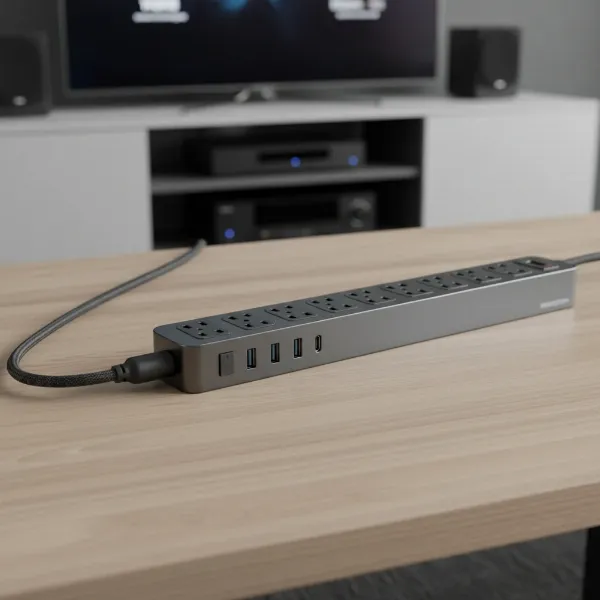
In today’s digital age, our computers are the hubs of our work, entertainment, and communication. They house invaluable data, intricate components, and represent a significant investment. Yet, many overlook a crucial aspect of their computer’s well-being: robust power protection. Unpredictable power fluctuations, from minor surges to devastating lightning strikes, pose a constant threat, capable of frying sensitive electronics in an instant. This guide will demystify the world of power strips and surge protectors, equipping you with the knowledge to choose the ultimate safeguard for your valuable computing equipment.
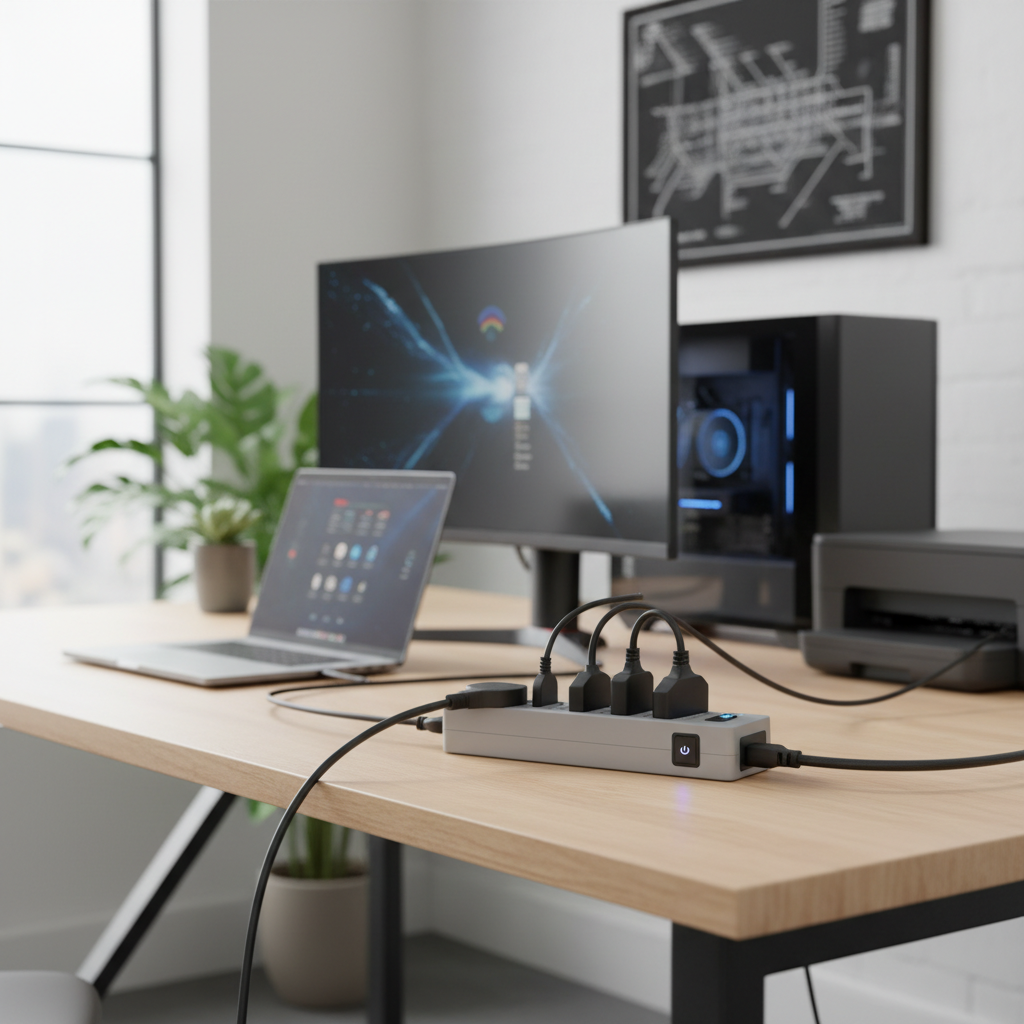
What is a Power Strip and Why is Protection Crucial for Your Computer?
At its most basic, a power strip is simply an extension cord with multiple outlets, designed to provide more plug-in points from a single wall socket. It offers convenience but no inherent protection against electrical anomalies. However, the term “power strip” is often used interchangeably with “surge protector,” leading to dangerous misconceptions. For your computer and other sensitive electronics, a basic power strip is insufficient. What you truly need is a surge protector.
A surge protector, often disguised as a multi-outlet strip, is an essential device that diverts excess voltage away from connected electronics during a power surge. These sudden, temporary spikes in electrical current can originate from various sources: lightning, grid fluctuations, or even the cycling on and off of large appliances in your home. Without a surge protector, these voltage spikes can severely damage internal components, corrupt data, or even render your computer inoperable. Devices like desktop PCs, laptops, monitors, external hard drives, routers, and printers are all highly susceptible to surge damage, making a reliable surge protector an indispensable layer of defense.
Understanding the Types of Power Strips and Surge Protectors
Navigating the array of power management devices can be confusing. While they may look similar, their internal mechanisms and levels of protection vary significantly.
Basic Power Strip
A basic power strip is fundamentally an extension cord with multiple receptacles. It serves to expand the number of available outlets from a single wall socket.
- Description: Typically a plastic bar with several AC outlets and often an on/off switch.
- Pros: Inexpensive, provides additional outlets, extends reach.
- Cons: Offers no protection against power surges or voltage spikes, can be easily overloaded.
- Suitable Applications: Ideal for low-power, non-electronic items where convenience is the only goal, such as lamps, fans, or basic phone chargers that are not sensitive to voltage fluctuations.
|
Our Picks for the Best Power strip in 2026
As an Amazon Associate I earn from qualifying purchases.
|
||
| Num | Product | Action |
|---|---|---|
| 1 | Belkin 12-Outlet Surge Protector Power Strip w/ 12 AC Outlets & 8ft Flat Plug, UL-Listed Heavy-Duty Extension Cord for Home, Office, Travel, Computer, Laptop, Charger - 3,940 Joules of Protection |

|
| 2 | KMC 6-Outlet Surge Protector Power Strip 2-Pack, 900 Joules, 4-Foot Extension Cord, Overload Protection, Black |
|
| 3 | Wall Charger, Surge Protector, QINLIANF 5 Outlet Extender with 4 USB Charging Ports, 3-Sided 1680J Power Strip Multi Plug Adapter Spaced for Home Travel Office |
|
| 4 | Power Strip, ALESTOR Surge Protector with 12 Outlets and 4 USB Ports, 6 Feet Extension Cord (1875W/15A), 2700 Joules, ETL Listed, Black |
|
| 5 | Surge Protector Power Strip - HANYCONY 8 Outlets 4 USB (2 USB C) Charging Ports, Multi Plug Outlet Extender, 5Ft Braided Extension Cord, Flat Plug Wall Mount Desk Charging Station for Home Office ETL |
|
| 6 | Anker Power Strip with 2100J Surge Protector, Outlet Extender, 5ft Extension Cord with Multiple Outlets, 12 AC, 2 USB A,1 USB C Port for 20W, Home Office, Dorm Room Essentials, TUV Listed |
|
| 7 | 6Ft Power Strip Surge Protector - Yintar Extension Cord with 6 AC Outlets and 3 USB Ports for for Home, Office, Dorm Essentials, 1680 Joules, ETL Listed, (Black) |
|
| 8 | 6 Ft Surge Protector Power Strip - 8 Widely Outlets with 4 USB Ports, 3 Side Outlet Extender with 6 Feet Extension Cord, Flat Plug, Wall Mount, Desk USB Charging Station, ETL,White |
|
| 9 | Surge Protector Power Strip - Nuetsa Flat Plug Extension Cord with 8 Outlets and 4 USB Ports, 6 Feet Power Cord (1625W/13A), 2700 Joules, ETL Listed, Black |
|
| 10 | Power Strip Surge Protector, Olcorife Ultra Thin Flat Plug Extension Cord 5ft, 6 Outlets 3 USB Ports(1 USB C), 3 Sided Outlet Extender for Home Office Travel Dorm Room Essentials, White |
|
Surge Protector
This is the foundational device for protecting your valuable electronics. It looks like a power strip but contains crucial internal components, such as Metal Oxide Varistors (MOVs), that absorb or divert excess voltage during a surge.
- Description: Similar to a basic power strip but explicitly labeled as a “surge protector” and will have a joule rating.
- How it Works: When a voltage spike occurs, the MOVs within the surge protector quickly activate, diverting the excess electricity to the grounding wire, thereby preventing it from reaching and damaging connected devices.
- Pros: Essential protection against power surges, prevents damage to sensitive electronics, often includes status indicators.
- Cons: MOVs degrade over time and after absorbing surges, requiring eventual replacement; generally more expensive than basic power strips.
- Ideal Applications: Crucial for high-value electronics like desktop computers, laptops, monitors, gaming consoles, televisions, and audio systems.
Smart Power Strip
Smart power strips integrate connectivity and energy-saving features, offering a modern approach to power management.
- Description: A surge protector with added Wi-Fi or Bluetooth capabilities, allowing for remote control and energy monitoring.
- Pros: Remote control of individual outlets, scheduling, energy usage tracking, potential for cost savings, often includes surge protection.
- Cons: Higher cost, requires setup with an app, can be overly complex for basic needs.
- Applications: Home offices, entertainment centers, or smart homes where remote control and energy efficiency are desired for connected computers and peripherals.
USB Power Strip
Designed for the modern ecosystem of USB-powered devices, these strips combine traditional AC outlets with convenient USB charging ports.
- Description: A power strip or surge protector that includes both standard AC outlets and multiple USB-A and/or USB-C charging ports.
- Pros: Centralized charging for various devices (smartphones, tablets, wearables), reduces the need for bulky USB wall adapters, often includes surge protection for both AC and USB ports.
- Cons: USB ports may not offer fast charging on all models, can be crowded if many large AC adapters are used.
- Applications: Desktops, nightstands, and travel where multiple USB-powered devices are frequently charged alongside traditional electronics.
Travel Power Strip
Compact and versatile, travel power strips are designed for portability and international compatibility.
- Description: Small, lightweight power strips, often cube-shaped or with a flat plug, sometimes featuring universal outlets or integrated international adapters.
- Pros: Portable, expands outlet capacity in hotels/airports, may offer USB charging and basic surge protection.
- Cons: Typically lower joule ratings, fewer outlets, might not be suitable for high-power devices.
- Applications: Business travelers, students, or anyone needing to power multiple devices on the go, including laptops and chargers.
Uninterruptible Power Supply (UPS)
A UPS provides the most comprehensive power protection, combining surge suppression with battery backup.
- Description: A larger, more robust device than a typical power strip, containing internal batteries, surge protection, and voltage regulation circuitry.
- Pros: Protects against surges, provides temporary battery power during outages, allowing for safe shutdown of computers, prevents data loss, smooths out minor voltage fluctuations.
- Cons: Significantly more expensive and larger than surge protectors, batteries need eventual replacement.
- Critical Applications: Essential for desktop computers, servers, networking equipment, and other critical devices where uninterrupted operation or a safe shutdown is paramount.
Comparative Analysis: Choosing the Right Protection Level
Understanding the distinct roles and features of each device is key to selecting the appropriate protection for your computer setup.
| Feature | Basic Power Strip | Surge Protector | Smart Power Strip | USB Power Strip | Travel Power Strip | Uninterruptible Power Supply (UPS) |
|---|---|---|---|---|---|---|
| Functionality | Outlet Expansion | Surge Protection + Outlet Expansion | Smart Control + Surge Protection | USB Charging + AC Outlets | Portable Outlet Expansion | Battery Backup + Surge Protection |
| Protection Level | None | Moderate to High (Joule Rating) | Moderate to High (Joule Rating) | Basic to Moderate | Basic | High (Joule Rating + Battery) |
| Key Features | Multiple outlets | MOVs, Joule Rating, Status Lights | Wi-Fi/Bluetooth, App Control, Scheduling | USB-A/C Ports | Compact, Flat Plug, Universal | Battery, AVR, Software, Data Lines |
| Typical Cost | Low | Moderate | Moderate to High | Moderate | Low to Moderate | High |
| Ideal Use Case | Lamps, fans | Computers, TVs, Gaming Consoles | Smart Home, Energy Management | Desktops, Charging multiple gadgets | Travel, Mobile Workspaces | Desktop PCs, Servers, Critical Devices |
[image-1|power-strip-types-comparison|A side-by-side comparison of different types of power strips and surge protectors for computer protection, illustrating their unique features and sizes.|
A clear, illustrative infographic showing six different types of power strips and surge protectors: a basic power strip, a standard surge protector, a smart power strip, a USB power strip, a travel power strip, and a UPS. Each type is distinctly drawn with its key visual features highlighted (e.g., smart strip with Wi-Fi symbol, UPS larger with battery icon). The background is a clean, modern desk setting with blurred computer equipment, emphasizing the context.]
Your Ultimate Buying Guide for Computer Surge Protection
Selecting the right surge protector for your computer involves more than just picking one with many outlets. Critical factors ensure your valuable equipment receives the protection it deserves.
Assess Your Needs
Before diving into technical specs, consider your specific setup and requirements.
- Number of Outlets: Count all the devices you need to plug in: desktop, monitors, speakers, external drives, printer, router, phone chargers, etc. Opt for a strip with more outlets than you currently need to allow for future expansion.
- Types of Plugs: Many computer peripherals and chargers have bulky “wall wart” adapters. Look for surge protectors with widely spaced or rotating outlets to accommodate these without blocking adjacent sockets.
- Devices to Protect: Differentiate between high-value, sensitive electronics (like your computer) that absolutely require surge protection, and low-value items (like a desk lamp) that might not.
- Placement: Consider where the surge protector will be located. Do you need a long cord? A flat plug to fit behind furniture? A mountable option for desk organization?
Crucial Technical Specifications
These are the numbers that directly indicate a surge protector’s effectiveness.
- Joule Rating: This is perhaps the most important specification. It indicates the amount of energy the surge protector can absorb before it fails. For computers and sensitive equipment, aim for a joule rating of at least 2,000 joules. Higher ratings (e.g., 3,000-4,000+ joules) provide better protection and a longer lifespan for the protector. A surge protector with a 4,320 joule rating offers significant protection. Remember, each surge event depletes this capacity, so a higher rating means the device can withstand more surges over time.
- Clamping Voltage: This specifies the maximum voltage that can pass through the surge protector to your connected devices during a surge event. Lower clamping voltage means better protection. Look for a rating of 330V or less. A lower voltage indicates the surge protector responds faster and diverts excess electricity more efficiently.
- Response Time: A good surge protector should have a response time of less than 1 nanosecond. This ensures it can react almost instantaneously to even the briefest voltage spikes.
- UL 1449 Certification: Always look for this certification. It signifies that the product meets the safety and performance standards set by Underwriters Laboratories, an independent safety science company. This is a vital indicator of a reliable and safe device.
- Amperage/Wattage Rating: Ensure the power strip’s total electrical rating (usually 15 amps or 1875 watts) is sufficient for all the devices you plan to connect. Overloading a power strip can create a fire hazard.
Essential Features and Considerations
Beyond the core technical specs, several features enhance usability and safety.
- Auto Shutoff: Some advanced surge protectors can automatically shut off power to connected devices if their surge protection components are compromised or worn out. This prevents unprotected devices from being exposed to future surges.
- Status Indicators: Look for clear LED lights that confirm the surge protector is grounded and that its surge protection circuitry is still active. If the “protection active” light goes out, it’s time to replace the unit.
- Coaxial, Phone, or Ethernet Protection: If your computer setup includes a modem, router, or other devices connected via data lines, ensure the surge protector offers protection for these lines as well. Surges can enter through communication lines, not just AC power.
- USB Charging Ports: For added convenience, many surge protectors now include integrated USB-A and/or USB-C charging ports, often with their own surge protection.
- Flat Plug and Rotatable Outlets: A flat plug allows the strip to sit closer to the wall, which is ideal behind furniture. Rotatable outlets can make it easier to plug in bulky adapters without obstructing other sockets.
- Brand Reputation and Warranty: Choose reputable brands known for quality and reliability. Many high-quality surge protectors come with warranties that cover not only the device itself but also connected equipment in case of surge damage. These warranties can range significantly, sometimes covering tens of thousands or even hundreds of thousands of dollars in connected equipment.
- Cost vs. Value: While a basic power strip might be $10, a quality surge protector for your computer can range from $20 to $50 or more. Consider this a small investment to protect hundreds or thousands of dollars worth of equipment.
Top Power Strips and Surge Protectors for Computer Protection
Based on expert reviews and user feedback, here are some highly-regarded options that offer excellent protection for your computer and peripherals:
- Belkin 12-Outlet Pivot-Plug Surge Protector: This model is frequently praised for its robust protection, often featuring a very high joule rating (e.g., 4320 joules) and pivot-plug outlets. The pivoting outlets are particularly useful for accommodating numerous bulky power adapters without crowding, making it ideal for comprehensive computer setups. It also often includes protection for phone or coaxial lines.
- Anker 351 Power Strip: Anker is a well-respected brand, and their 351 Power Strip (or similar models) is a popular choice for balancing ample outlets with solid surge protection. It typically offers a good joule rating (e.g., 2100 joules), multiple AC outlets, and a combination of USB-A and USB-C ports, making it highly versatile for modern workspaces. Its slim design and flat plug are also benefits for desk organization.
- Tripp Lite Protect It 12-Outlet Surge Protector: Known for its strong surge suppression capabilities, the Tripp Lite Protect It series often boasts excellent let-through voltage ratings, indicating superior protection. Key features include multiple widely spaced outlets, an automatic shutoff function if protection wears out, and sometimes a lifetime warranty for peace of mind, making it a robust choice for protecting high-value computer systems.
Safe Usage and Maintenance for Longevity
Even the best surge protector needs proper care and attention to function effectively and safely over time.
- Avoid Overloading: Never plug more devices into a power strip or surge protector than its rated capacity (typically 15 amps or 1875 watts). Overloading can cause overheating, trip circuit breakers, or even lead to fires.
- Proper Plugging and Unplugging: Always grip the plug, not the cord, when inserting or removing devices. Tugged cords can damage the wiring, creating a hazard.
- Regular Inspection: Periodically check your surge protector and its cord for any signs of damage, such as fraying, cracks, discoloration, or a burning smell. If any damage is present, replace the unit immediately.
- Monitor Status Indicators: Pay attention to the “protection active” or “grounded” indicator lights. If the protection light is off, it means the surge protection has been depleted and the device no longer offers protection. Replace it.
- When to Replace: Surge protectors do not last forever. Their internal components, primarily MOVs, degrade with each surge absorbed. Most experts recommend replacing a surge protector every 3 to 5 years, or immediately after a major power event (like a lightning strike near your home), or if its protection indicator light goes out.
- Placement Considerations: Ensure the surge protector is placed in a well-ventilated area, away from heat sources and flammable materials. Do not daisy-chain power strips or surge protectors (plug one into another), as this can create a significant fire hazard and void warranties.
Conclusion
Protecting your computer is no longer a luxury but a necessity in our electrically charged world. Understanding the critical difference between a basic power strip and a dedicated surge protector is the first step toward safeguarding your valuable hardware and data. By prioritizing key features like a high joule rating, low clamping voltage, and UL certification, and by implementing safe usage practices, you empower yourself to make an informed decision. Investing in a quality surge protector is a small price to pay for the peace of mind that comes with knowing your computer is shielded from the unpredictable wrath of power surges. Don’t leave your digital life to chance—secure it with the right protection today.
What measures will you take to ensure your computer’s power protection is up to par?
Câu Hỏi Thường Gặp
What is the minimum joule rating for a computer surge protector?
For computers and other sensitive electronics, a minimum joule rating of 2,000 joules is highly recommended. Higher ratings, such as 3,000-4,000+ joules, offer superior protection and a longer lifespan for the surge protector by allowing it to absorb more energy over time.
How often should I replace my surge protector?
Surge protectors do not last indefinitely. Their protective components degrade over time and with each surge absorbed. It is generally recommended to replace a surge protector every 3 to 5 years, immediately after any major power event, or if its “protection active” indicator light goes out.
Can I use a basic power strip for my computer?
No, a basic power strip is merely an extension cord with multiple outlets and offers no protection against power surges. Using one for your computer leaves your valuable equipment vulnerable to damage from voltage spikes. Always use a dedicated surge protector for computers and sensitive electronics.
What is clamping voltage on a surge protector?
Clamping voltage is the maximum voltage level that the surge protector allows to pass through to connected devices during a power surge. A lower clamping voltage (e.g., 330V or less) indicates better protection because it means less excess voltage reaches your electronics, thereby reducing the risk of damage.
Do smart power strips offer surge protection?
Many smart power strips do include surge protection features in addition to their smart functionalities like remote control and energy monitoring. However, it’s crucial to verify the specific joule rating and other protection specifications, as these can vary between models and brands. Always check the product description for detailed surge protection information.