Building the ultimate gaming setup goes beyond just a powerful PC, monitors, and peripherals; it requires a robust and reliable power solution to keep everything running smoothly and safely. A heavy-duty gaming rig, loaded with high-end graphics cards, multiple displays, consoles, and an array of accessories, demands more than a basic extension cord. Without the right power strip, you risk not only frequent power disruptions but also irreversible damage to your expensive equipment from unexpected electrical surges. This comprehensive guide will equip you with the knowledge to choose the ideal power strip, ensuring your battle station remains powered, protected, and perfectly organized for uninterrupted gaming sessions.
What is a Power Strip and Why is it Essential for Your Gaming Setup?
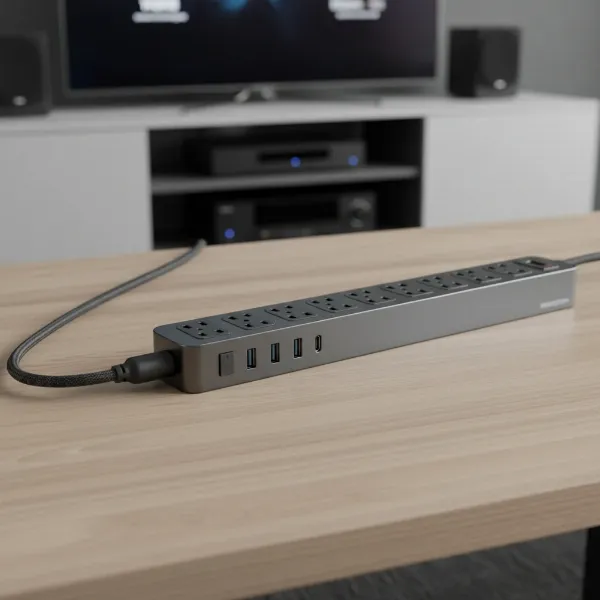
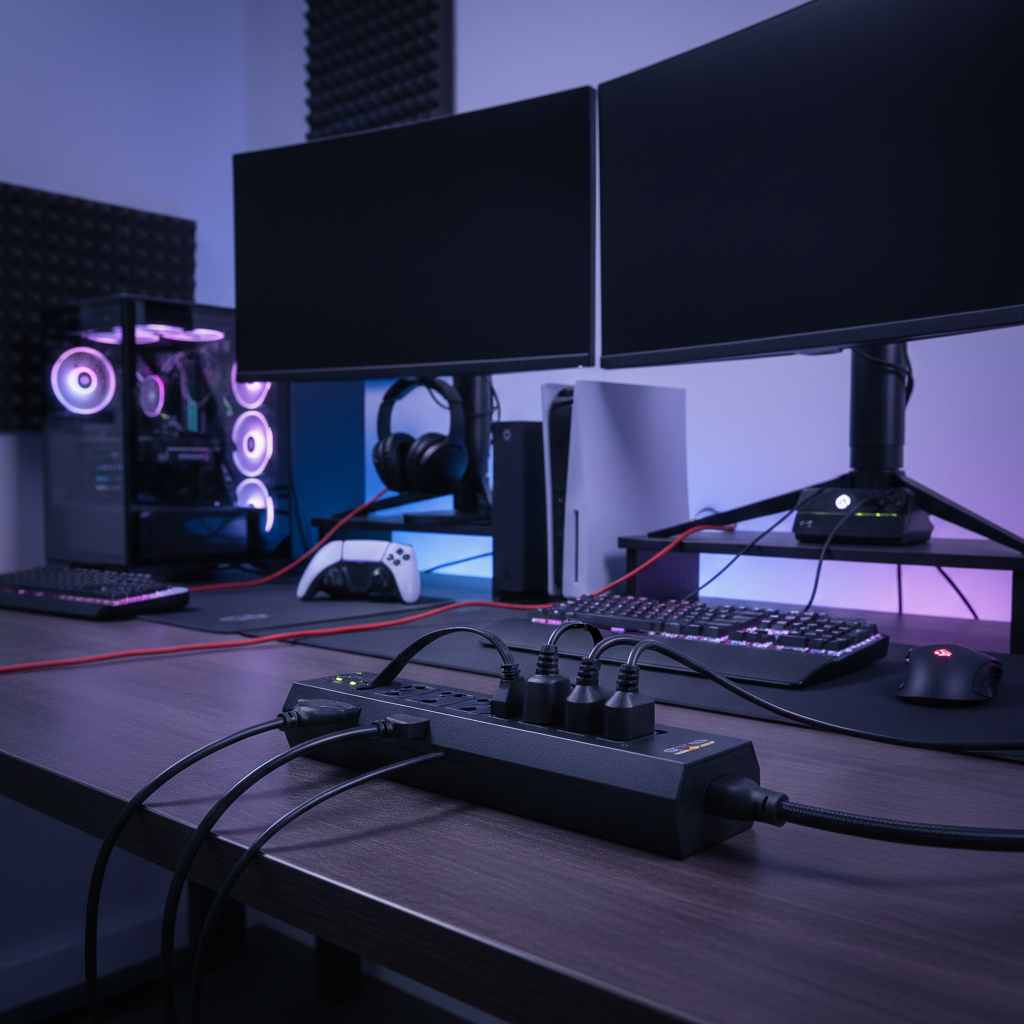
A power strip, also known as an extension block, power bar, or multi-plug adapter, is a block of electrical sockets that attaches to the end of a flexible cable, allowing multiple electrical devices to be powered from a single wall outlet. For gamers, it serves as the central hub for their entire ecosystem of devices, distributing power efficiently and safely. [image-1|gaming-power-strip-overview|A power strip with multiple outlets and USB ports, connected to various gaming devices like a PC, monitor, and console, in a clean, organized heavy-duty gaming setup with ambient RGB lighting.|
A close-up, eye-level shot of a modern power strip on a clean desk, plugged into a gaming PC, two monitors, a console, and a gaming headset. The power strip has a sleek design with multiple AC outlets and at least two USB ports. The background shows a subtle, blurred RGB lighting setup, emphasizing a heavy-duty gaming environment. The overall style is realistic and well-lit, highlighting product utility.]
The primary functions and benefits of integrating a specialized power strip into your gaming setup include efficient power distribution, superior organization, and crucial protection. High-end components like processors and graphics cards are susceptible to damage from unpredictable electrical spikes, which can originate from lightning strikes, power outages, or fluctuations in your home’s electrical grid. A quality power strip with built-in surge protection acts as a shield, safeguarding these sensitive components and preserving your significant investment. Beyond protection, a well-designed power strip minimizes cable clutter, keeps your space tidy, and often provides convenient extra features like USB charging ports for controllers, headsets, and mobile devices, enhancing the overall functionality of your battle station.
Typical devices found in a heavy-duty gaming setup that rely on a power strip include the gaming PC (desktop or laptop), one or more gaming monitors, gaming consoles (PlayStation, Xbox, Nintendo Switch), external hard drives, modems, routers, speakers, charging docks for controllers, gaming headsets, webcams, microphones for streaming, RGB lighting strips, and even a desk lamp. Managing power for this array of electronics requires a solution engineered for stability and safety.
Popular Types of Power Strips for Gamers
When outfitting a gaming setup, not all power strips are created equal. Understanding the different types available helps you pinpoint the one that best suits your specific needs for protection, convenience, and performance.
Basic Power Strip
|
Our Picks for the Best Power strip in 2026
As an Amazon Associate I earn from qualifying purchases.
|
||
| Num | Product | Action |
|---|---|---|
| 1 | 6 Ft Surge Protector Power Strip - 8 Widely Outlets with 4 USB Ports, 3 Side Outlet Extender with 6 Feet Extension Cord, Flat Plug, Wall Mount, Desk USB Charging Station, ETL,White |

|
| 2 | Surge Protector Power Strip - Nuetsa Flat Plug Extension Cord with 8 Outlets and 4 USB Ports, 6 Feet Power Cord (1625W/13A), 2700 Joules, ETL Listed, Black |
|
| 3 | Power Strip, ALESTOR Surge Protector with 12 Outlets and 4 USB Ports, 6 Feet Extension Cord (1875W/15A), 2700 Joules, ETL Listed, Black |
|
| 4 | 6Ft Power Strip Surge Protector - Yintar Extension Cord with 6 AC Outlets and 3 USB Ports for for Home, Office, Dorm Essentials, 1680 Joules, ETL Listed, (Black) |
|
| 5 | Belkin 12-Outlet Surge Protector Power Strip w/ 12 AC Outlets & 8ft Flat Plug, UL-Listed Heavy-Duty Extension Cord for Home, Office, Travel, Computer, Laptop, Charger - 3,940 Joules of Protection |
|
| 6 | Surge Protector Power Strip - HANYCONY 8 Outlets 4 USB (2 USB C) Charging Ports, Multi Plug Outlet Extender, 5Ft Braided Extension Cord, Flat Plug Wall Mount Desk Charging Station for Home Office ETL |
|
| 7 | Wall Charger, Surge Protector, QINLIANF 5 Outlet Extender with 4 USB Charging Ports, 3-Sided 1680J Power Strip Multi Plug Adapter Spaced for Home Travel Office |
|
| 8 | KMC 6-Outlet Surge Protector Power Strip 2-Pack, 900 Joules, 4-Foot Extension Cord, Overload Protection, Black |
|
| 9 | Power Strip Surge Protector, Olcorife Ultra Thin Flat Plug Extension Cord 5ft, 6 Outlets 3 USB Ports(1 USB C), 3 Sided Outlet Extender for Home Office Travel Dorm Room Essentials, White |
|
| 10 | Anker Power Strip with 2100J Surge Protector, Outlet Extender, 5ft Extension Cord with Multiple Outlets, 12 AC, 2 USB A,1 USB C Port for 20W, Home Office, Dorm Room Essentials, TUV Listed |
|
A basic power strip is fundamentally an extension cord with multiple outlets. While it provides the convenience of plugging in several devices from a single wall socket, it typically offers no protection against power surges or fluctuations. These are inexpensive and can be useful for low-power devices that aren’t critical or susceptible to electrical damage, such as a phone charger or a small lamp. However, for a heavy-duty gaming setup with expensive components, relying solely on a basic power strip is a significant risk, leaving your valuable gear vulnerable to power spikes that could lead to irreparable damage.
Surge Protector Power Strip
This is arguably the most crucial type of power strip for any gamer. A surge protector is designed to divert excess electrical voltage away from connected devices, sending it to the ground instead, thereby protecting your electronics from sudden power surges. Key features to look for include a high Joules rating (which indicates how much energy the surge protector can absorb before it fails), a low clamping voltage (the voltage level at which the surge protector activates), and UL certification, which signifies it meets strict safety standards. Many surge protectors also protect all three AC lines: hot, neutral, and ground, offering comprehensive defense against electrical fluctuations. Choosing a surge protector with a high Joules rating, ideally 2500-4000 or more, is paramount for safeguarding expensive gaming PCs and monitors.
Smart Power Strip
Smart power strips elevate convenience and control by integrating Wi-Fi connectivity and intelligent features. These devices allow you to individually control each outlet, set schedules, and even monitor energy usage through a smartphone app or voice commands. For a complex gaming setup, a smart power strip can be incredibly useful for turning off specific peripherals (like monitors or external hard drives) remotely or on a timer, conserving energy, and reducing standby power consumption. Some models, like the TP-Link Kasa Smart Wi-Fi Power Strip HS300, combine smart functionality with robust surge protection, offering a blend of control and safety. While generally more expensive, the added functionality can be a game-changer for managing your setup efficiently.
USB Power Strip
Many modern gaming setups include numerous devices that charge or power via USB, such as controllers, gaming headsets, smartphones, and tablets. A USB power strip integrates multiple USB-A and often USB-C ports directly into the unit, eliminating the need for separate charging bricks and freeing up AC outlets. Power strips with USB-C Power Delivery (PD) ports can offer fast charging for compatible devices, making them even more versatile. These are frequently combined with surge protection features, offering a comprehensive solution for both AC-powered and USB-powered peripherals, contributing significantly to cable management and overall desktop tidiness.
Travel Power Strip
Travel power strips are compact, lightweight, and often feature universal outlets or adapters, designed for portability and use in various international settings. While they offer multiple outlets and sometimes basic surge protection, they are generally not built for the heavy power demands of a high-performance gaming setup. Their surge protection capabilities are often minimal, and their overall construction may not be as robust as models designed for home use. Therefore, while excellent for mobile professionals, they are typically unsuitable for a stationary heavy-duty gaming battle station.
Comparing Power Strip Types: A Gamer’s Guide
Choosing the right power strip involves weighing protection, features, and cost against your specific gaming needs. This table offers a clear comparison to help you make an informed decision.
| Power Strip Type | Protection Level | Key Features | Price Range (USD) | Best Use Case |
|---|---|---|---|---|
| Basic Power Strip | None (just adds outlets) | Multiple AC outlets | $10 – $20 | Low-power devices, non-critical accessories, temporary use. Not for gaming PCs. |
| Surge Protector | High (diverts excess voltage, crucial for expensive gear) | High Joules rating, low clamping voltage, UL certified, multiple AC outlets | $20 – $70 | Essential for all gaming PCs, monitors, and consoles. |
| Smart Power Strip | Moderate to High (often includes surge protection) | Wi-Fi control, individual outlet control, energy monitoring, scheduling, USB ports | $40 – $100+ | Gamers seeking automation, energy management, and remote control of peripherals. |
| USB Power Strip | Varies (often includes surge protection) | Multiple AC outlets, dedicated USB-A/USB-C ports (some with PD) | $25 – $80 | Gamers needing ample USB charging for controllers, headsets, and mobile devices. |
| Travel Power Strip | Low to Moderate (basic surge often) | Compact, lightweight, universal outlets, some USB ports | $15 – $40 | On-the-go charging for laptops and mobile devices. Not suitable for heavy-duty gaming setups. |
How to Choose the Right Power Strip for Your Gaming Battle Station (Buying Guide)
Selecting the perfect power strip for a heavy-duty gaming setup is a critical decision that balances safety, performance, and convenience. Here’s a detailed guide to help you navigate the options.
Assess Your Gaming Needs
Start by taking inventory of your current and future setup.
- Number of Outlets Needed: Count all the devices you plan to connect: PC, monitors, console(s), speakers, charging docks, lights, etc. It’s always wise to err on the side of caution and choose a strip with a few more outlets than you currently need to accommodate future expansion. Look for strips with 8, 10, or even 12+ AC outlets.
- Types of Devices: Consider the power requirements and plug sizes of your devices. Bulky power adapters for monitors or external hard drives can block adjacent outlets. Look for strips with widely spaced outlets, often called “adapter-friendly” or “brick-friendly” outlets, or rotating outlets to maximize usability.
- Placement Considerations: Where will the power strip be located? On your desk, under it, or wall-mounted? Consider the length of the power cord needed and if mounting holes are a beneficial feature. A long cord (6-10 feet) offers flexibility, and a flat, right-angle plug can prevent blockage of wall outlets and allow furniture to be closer to the wall.
Key Technical Specifications
These specifications are crucial for ensuring both protection and functionality.
- Surge Protection Rating (Joules): This is paramount for gaming. The Joules rating indicates the amount of energy a surge protector can absorb before it fails. For heavy-duty gaming, aim for a minimum of 2500 Joules, with 3000-4000+ Joules being ideal for maximum protection of high-value equipment.
- Clamping Voltage: This specifies the voltage level at which the surge protector activates and diverts excess electricity. A lower clamping voltage (e.g., 330V or 400V) means faster protection, as it kicks in sooner to shield your devices.
- Number and Type of Outlets: Beyond just the count, consider the layout. Some strips feature outlets oriented in different directions or with wider spacing to accommodate large power bricks.
- USB Charging Capabilities: Many modern power strips integrate USB-A and USB-C ports. For convenience, look for strips with multiple USB ports, especially a USB-C port with Power Delivery (PD) for faster charging of compatible devices like smartphones, tablets, or even some gaming laptops.
- Cord Length and Gauge (AWG): A longer cord (6-10 feet) provides greater flexibility in placement. The wire gauge (AWG) indicates the thickness of the cable; a lower AWG number (e.g., 14 AWG) signifies a thicker, heavier-duty cord capable of handling more power without overheating, which is essential for a high-wattage gaming setup.
- Safety Certifications (UL): Always ensure the power strip is UL certified. This certification confirms that the product has been tested to meet rigorous safety standards, giving you peace of mind regarding fire and electrical hazards. Look for overload protection, which automatically shuts off power if the connected devices draw too much current.
Brand Reputation and Value
Investing in a reputable brand for your gaming power strip is always a wise decision.
- Leading Brands: Companies like Belkin, Anker, Tripp Lite, CyberPower, and Rocketfish are well-regarded in the power solutions market and frequently appear in “best of” lists for their reliability and robust features.
- Balancing Features with Budget: While it’s tempting to go for the cheapest option, compromising on safety and protection for a heavy-duty gaming setup can be a costly mistake in the long run. Prioritize high Joules ratings and UL certification. Look for sales or bundles, but never skimp on essential safety features.
- Reading User Reviews and Expert Opinions: Before making a purchase, take time to read reviews from other gamers and tech experts. These can provide invaluable insights into real-world performance, durability, and any potential quirks or issues with a specific model.
“A gaming setup isn’t truly complete until you’ve secured its power. A high-joule surge protector is an insurance policy for your expensive gear against the unpredictable nature of electricity.” – Dr. Evelyn Reed, Electrical Engineering Consultant
Top 5 Power Strips for the Ultimate Gaming Setup
Based on extensive research and considering the critical needs of heavy-duty gaming setups, here are five top power strips that offer excellent protection, ample outlets, and valuable features.
1. Belkin USB Power Strip Surge Protector
The Belkin USB Power Strip Surge Protector is a standout choice for gamers due to its generous number of outlets and robust protection.
- Pros: Features 12 widely spaced AC outlets, including six vertical and three on each side, designed to accommodate bulky power bricks without blocking adjacent sockets. It offers an impressive 3,996 Joules of surge protection, making it highly effective against significant power spikes. Includes two high-speed USB-A charging ports.
- Cons: Lacks USB-C ports.
- Key Features: 12 AC outlets, 2 USB-A ports, 3,996 Joules, 8-foot heavy-duty power cord with right-angle plug.
- Why it’s great for gaming: Its excellent outlet spacing and high Joules rating provide comprehensive protection and connectivity for even the most extensive gaming setups, ensuring everything from your PC to your streaming lights has a safe home.
2. Anker 350 USB Power Strip (PowerExtend USB 12 Strip)
Anker is known for its reliable charging solutions, and the 350 USB Power Strip brings that expertise to the power strip market, tailored for multi-device users.
- Pros: Boasts 10 AC outlets and 2 USB ports (one USB-A and one USB-C), supporting up to 12 devices simultaneously. The USB-C port facilitates effortless fast charging for modern phones and tablets, reducing cable clutter. Its compact design and convenient mounting holes allow for easy wall installation, saving valuable desk space. Offers robust surge protection (though specific Joule rating varies by model, often around 2500-3000J).
- Cons: The total cumulative wattage for USB ports might be limited, so check specifications for simultaneous fast charging.
- Key Features: 10 AC outlets, 1 USB-A, 1 USB-C, surge protection, compact, wall-mountable.
- Why it’s great for gaming: Ideal for gamers who need a blend of numerous AC outlets and modern USB-C charging capabilities in a space-saving design.
3. Tripp Lite TLP128TTUSBB Surge Protector
For the most demanding setups, the Tripp Lite TLP128TTUSBB is an absolute powerhouse of protection and connectivity.
- Pros: Features an extraordinary 12 AC outlets, along with coaxial, Ethernet, and USB ports, making it suitable for complex entertainment and PC setups. It provides a substantial 4,320 Joules of surge protection, among the highest ratings available. The 8-foot power cord with a right-angle plug adds convenience.
- Cons: Can be large, taking up considerable space. The clamping voltage might be slightly higher than some other premium options (check specific model details).
- Key Features: 12 AC outlets, coaxial, Ethernet, 2 USB-A ports, 4,320 Joules, 8-foot cord.
- Why it’s great for gaming: If you have an abundance of devices, including networking equipment and older components, this Tripp Lite model offers unparalleled connectivity and top-tier surge protection.
4. TP-Link Kasa Smart Wi-Fi Power Strip HS300
The Kasa HS300 combines smart home functionality with essential power protection, appealing to tech-savvy gamers.
- Pros: Offers six individually controlled smart AC outlets and three USB-A ports. Each AC outlet can be controlled via the Kasa app, allowing for scheduling, grouping, and remote management. It includes 1,710 Joules of surge protection and features energy monitoring, so you can track power consumption.
- Cons: The Joules rating is lower than dedicated heavy-duty surge protectors, making it slightly less ideal for extremely high-end PC protection but still suitable for many setups. USB-C is absent.
- Key Features: 6 smart AC outlets, 3 USB-A ports, 1,710 Joules, Wi-Fi connectivity, energy monitoring.
- Why it’s great for gaming: Perfect for gamers who want to automate their setup, manage power consumption, and control peripherals remotely, with adequate protection for most gaming gear.
5. Rocketfish 12-Outlet 5,280 Joules Surge Protector with USB and USB-C
Rocketfish, often found at Best Buy, offers a high-joule solution for serious protection.
- Pros: Boasts an exceptionally high 5,280 Joules of surge protection, making it one of the most protective options on the market. It provides 12 AC outlets along with one USB-A and one USB-C port for comprehensive device charging.
- Cons: Can be bulky due to its high capacity.
- Key Features: 12 AC outlets, 1 USB-A, 1 USB-C, 5,280 Joules, robust build.
- Why it’s great for gaming: For gamers prioritizing maximum surge protection above all else for their most valuable equipment, this Rocketfish model is an excellent investment.
Safe Usage and Maintenance for Your Gaming Power Strip
Ensuring the longevity and safety of your gaming setup extends to how you use and maintain your power strip. Adhering to best practices can prevent hazards and prolong the life of your equipment.
Firstly, never overload your power strip. Each power strip has a maximum wattage rating; exceeding this limit can lead to overheating, tripped breakers, or even fires. Always sum the wattage of all connected devices and ensure it stays below the power strip’s stated maximum capacity. If you hear buzzing sounds, smell burning plastic, or notice the strip getting unusually hot, unplug it immediately.
Secondly, properly plug in and unplug devices. Always grasp the plug itself, not the cord, when connecting or disconnecting devices. Pulling by the cord can damage the wiring inside, creating a fire hazard. Ensure all plugs are fully inserted into the outlets to prevent loose connections, which can generate heat.
Thirdly, regularly check indicator lights. Most surge protectors have indicator lights that show if it’s “protected” and “grounded.” If the “protected” light is off after a significant power event (like a blackout or a surge), it means the surge protection components have likely sacrificed themselves to save your devices and the strip needs to be replaced. If the “grounded” light is off, there might be an issue with your home’s wiring.
Finally, place your power strip in a safe location. Avoid covering power strips with rugs, blankets, or anything that can trap heat. Do not daisy-chain power strips by plugging one into another, as this significantly increases the risk of overloading. Keep it away from sources of water or excessive humidity. A quality surge protector should be replaced every 3-5 years, or immediately after a major power surge, as its protective components degrade over time and with each surge absorbed.
Conclusion
A well-chosen power strip is far more than a simple accessory; it is a fundamental pillar for the safety, efficiency, and longevity of your heavy-duty gaming setup. By understanding the different types available, prioritizing essential features like a high Joules rating, low clamping voltage, and ample, well-spaced outlets, and opting for reputable brands, you can safeguard your valuable investment against unforeseen electrical threats. Remember to assess your specific needs, compare technical specifications diligently, and always adhere to safe usage practices. With the right power solution in place, you can immerse yourself fully in uninterrupted, high-performance gaming, confident that your battle station is powered and protected. What steps will you take today to upgrade the power and protection of your ultimate gaming rig?
FAQ
How many joules should a gaming power strip have?
For a heavy-duty gaming setup with expensive components, a power strip should ideally have a surge protection rating of at least 2500 Joules. For maximum protection, look for models with 3000-4000 Joules or higher, as a higher rating indicates a greater capacity to absorb energy from electrical surges, thus better protecting your valuable equipment.
Can a regular power strip protect my gaming PC?
No, a regular power strip typically only provides additional outlets without any surge protection. Connecting a gaming PC, monitors, or consoles to a basic power strip leaves them vulnerable to damaging electrical surges, which can cause irreversible damage to sensitive internal components. Always use a dedicated surge protector for your gaming equipment.
Is a smart power strip worth it for gaming?
A smart power strip can be a valuable addition for gamers seeking enhanced control and convenience. It allows for remote management of individual outlets, scheduling, and energy monitoring, which can help streamline your setup and save energy. While some smart power strips offer robust surge protection, always verify their Joules rating to ensure adequate protection for your high-end gaming gear.
How often should I replace my surge protector?
Surge protectors degrade over time and with each electrical surge they absorb. It is generally recommended to replace a surge protector every 3 to 5 years, or immediately after any significant power event (like a lightning strike or major power outage) where it may have sacrificed its protective capabilities to save your devices. Regular checks of the “protected” indicator light can also signal when a replacement is needed.