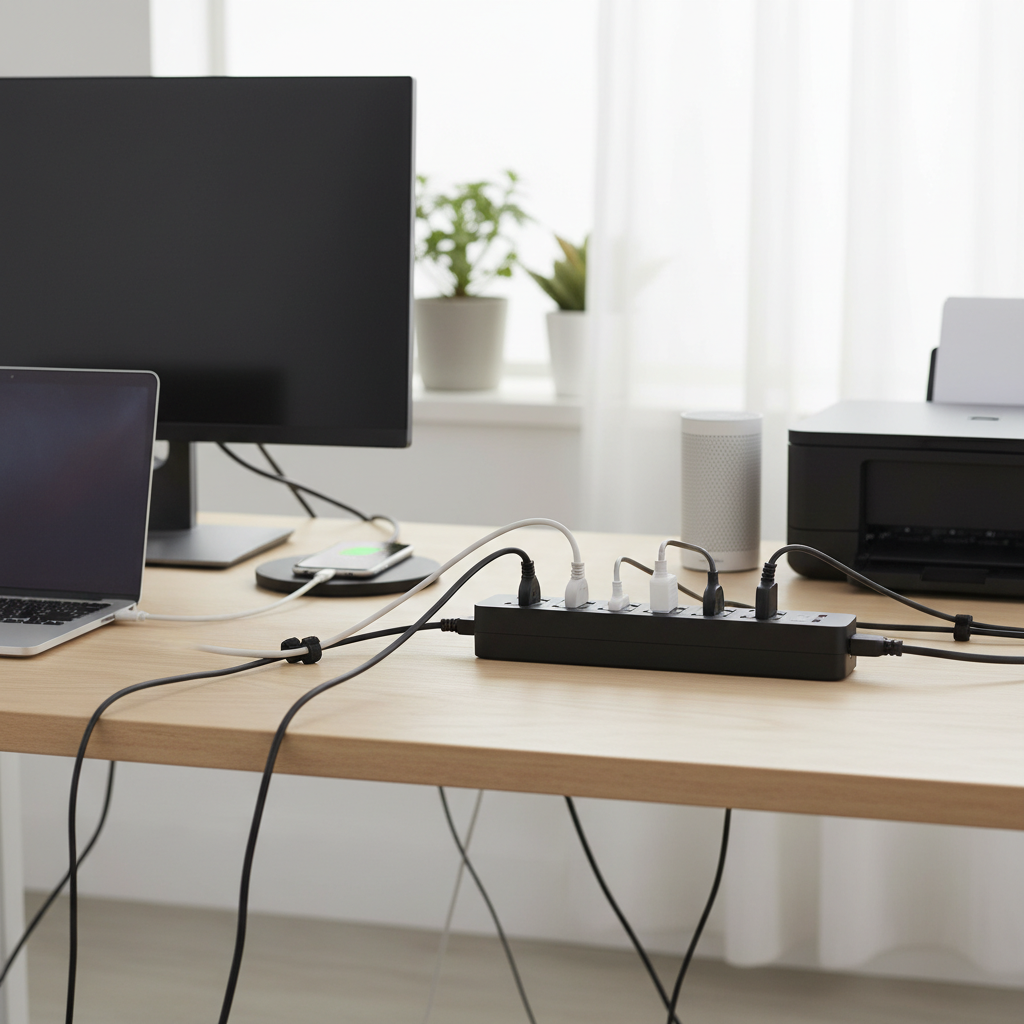
In our increasingly connected world, where smartphones, laptops, smart home devices, and numerous other gadgets populate our daily lives, the demand for accessible and reliable power sources has never been higher. Yet, a common frustration remains: the scarcity of wall outlets. This is where the humble power strip steps in, transforming a single wall socket into a hub for multiple devices. But these essential tools are more than just simple outlet multipliers; they are critical for efficient power management and, more importantly, for safeguarding your valuable electronics. Choosing the right power strip can be the difference between a tidy, well-protected setup and a hazardous tangle of cords. This comprehensive guide, informed by over a decade of hands-on experience in home appliance technology, will navigate you through the world of power strips, ensuring you make an informed decision for your home or office.
What is a Power Strip and Why You Need It?
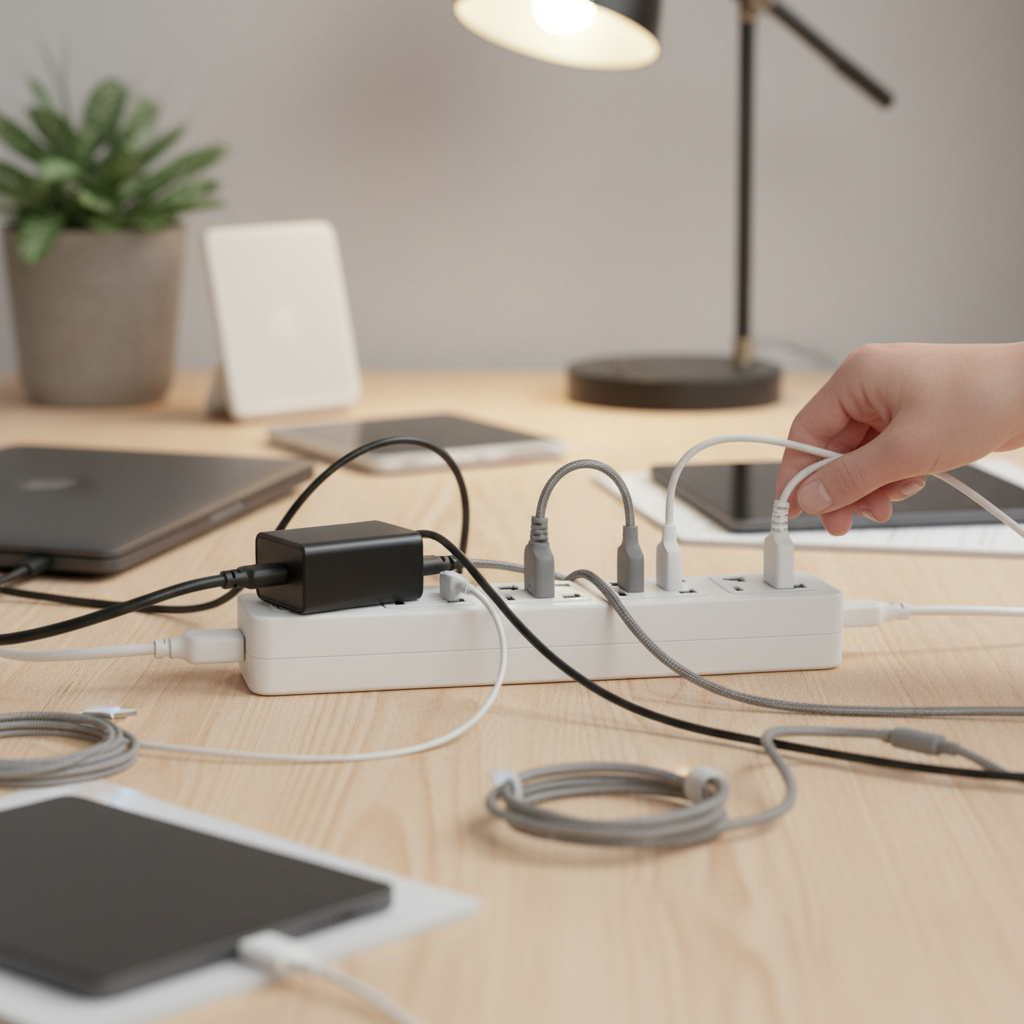
A power strip, also widely known as a multi-socket outlet, power board, or extension block, is a versatile electrical device featuring multiple sockets attached to a flexible power cord with a single mains plug. Its primary function is to distribute AC power, allowing you to connect and power several electrical devices simultaneously from one wall outlet. This is particularly useful in areas where numerous devices are in close proximity, such as a home office, an entertainment center, or a workbench.
The necessity of a power strip extends beyond mere convenience. In modern households and offices, a multitude of devices—from computers, monitors, and printers to HDTVs, audio/video equipment, and cell phone chargers—all vie for limited wall outlets. Power strips provide the much-needed expansion, consolidating connections and helping to manage cable clutter. Beyond increasing available outlets, many power strips offer crucial benefits like surge protection, which shields sensitive electronics from damaging voltage spikes caused by lightning or power fluctuations. They can also include features like circuit breakers to prevent overloads and individual switches for energy efficiency.
Common Types of Power Strips on the Market
Not all power strips are created equal. They vary significantly in design, features, and the level of protection they offer. Understanding the different types is key to selecting one that aligns with your specific needs.
Basic Power Strip
Basic power strips are the simplest form, offering multiple outlets without additional features like surge protection. They effectively expand the number of available sockets from a single wall outlet.
- Description: An elongated casing with several power sockets, a power cord, and a plug. They usually have an on/off switch for the entire strip.
- Advantages: Affordable, simple to use, and ideal for connecting multiple low-demand devices.
- Disadvantages: Offers no protection against power surges or electrical overloads. Not recommended for sensitive electronics.
- Suitable Applications: Connecting lamps, phone chargers, or other non-sensitive, low-power devices in areas where surge protection isn’t critical.
|
Our Picks for the Best Power strip in 2026
As an Amazon Associate I earn from qualifying purchases.
|
||
| Num | Product | Action |
|---|---|---|
| 1 | Power Strip Surge Protector, Olcorife Ultra Thin Flat Plug Extension Cord 5ft, 6 Outlets 3 USB Ports(1 USB C), 3 Sided Outlet Extender for Home Office Travel Dorm Room Essentials, White |

|
| 2 | KMC 6-Outlet Surge Protector Power Strip 2-Pack, 900 Joules, 4-Foot Extension Cord, Overload Protection, Black |
|
| 3 | Wall Charger, Surge Protector, QINLIANF 5 Outlet Extender with 4 USB Charging Ports, 3-Sided 1680J Power Strip Multi Plug Adapter Spaced for Home Travel Office |
|
| 4 | Surge Protector Power Strip - Nuetsa Flat Plug Extension Cord with 8 Outlets and 4 USB Ports, 6 Feet Power Cord (1625W/13A), 2700 Joules, ETL Listed, Black |
|
| 5 | Power Strip, ALESTOR Surge Protector with 12 Outlets and 4 USB Ports, 6 Feet Extension Cord (1875W/15A), 2700 Joules, ETL Listed, Black |
|
| 6 | 6Ft Power Strip Surge Protector - Yintar Extension Cord with 6 AC Outlets and 3 USB Ports for for Home, Office, Dorm Essentials, 1680 Joules, ETL Listed, (Black) |
|
| 7 | 6 Ft Surge Protector Power Strip - 8 Widely Outlets with 4 USB Ports, 3 Side Outlet Extender with 6 Feet Extension Cord, Flat Plug, Wall Mount, Desk USB Charging Station, ETL,White |
|
| 8 | Surge Protector Power Strip - HANYCONY 8 Outlets 4 USB (2 USB C) Charging Ports, Multi Plug Outlet Extender, 5Ft Braided Extension Cord, Flat Plug Wall Mount Desk Charging Station for Home Office ETL |
|
| 9 | Anker Power Strip with 2100J Surge Protector, Outlet Extender, 5ft Extension Cord with Multiple Outlets, 12 AC, 2 USB A,1 USB C Port for 20W, Home Office, Dorm Room Essentials, TUV Listed |
|
| 10 | Belkin 12-Outlet Surge Protector Power Strip w/ 12 AC Outlets & 8ft Flat Plug, UL-Listed Heavy-Duty Extension Cord for Home, Office, Travel, Computer, Laptop, Charger - 3,940 Joules of Protection |
|
Surge Protector Power Strip
A surge protector power strip is designed to defend your electronics from sudden voltage spikes, which can be detrimental to sensitive equipment.
- Description: Similar to a basic power strip but includes internal components (like Metal Oxide Varistors or MOVs) that divert excess voltage away from connected devices during a power surge. Their protection capacity is measured in joules, with higher ratings indicating better protection.
- Advantages: Safeguards expensive and sensitive electronics (computers, TVs, gaming consoles) from damage due to power fluctuations, lightning strikes, or grid issues. Often includes a circuit breaker for overload protection.
- Disadvantages: Typically more expensive than basic strips. Surge protection components can wear out over time, especially after absorbing multiple surges, requiring replacement after 3-5 years or sooner with heavy use.
- Suitable Applications: Home offices, entertainment centers, server rooms, or any setup with valuable electronic devices that need protection from voltage spikes.
Smart Power Strip
Smart power strips integrate technology to offer advanced control and energy management capabilities.
- Description: These strips can often be controlled remotely via smartphone apps or voice assistants (like Alexa or Google Home). They frequently include Wi-Fi connectivity, energy monitoring features, and the ability to set schedules for powering devices on or off.
- Advantages: Enhanced convenience through remote control and automation, improved energy efficiency by monitoring power usage and scheduling shutdowns, and integration with smart home ecosystems.
- Disadvantages: Higher cost, requires a Wi-Fi connection to utilize smart features, and can be more complex to set up.
- Suitable Applications: Tech-savvy households, smart offices, or anyone looking to minimize standby power consumption and gain remote control over their devices.
USB Power Strip
USB power strips offer dedicated ports for charging mobile devices, reducing the need for separate adapters.
- Description: In addition to standard AC outlets, these power strips feature integrated USB-A and sometimes USB-C charging ports. Some offer fast-charging capabilities.
- Advantages: Conveniently charge smartphones, tablets, and other USB-powered gadgets without occupying AC outlets, freeing up space for larger plugs. Reduces clutter from multiple wall adapters.
- Disadvantages: May have fewer AC outlets compared to strips without USB ports. Charging speed can vary depending on the strip’s amperage rating.
- Suitable Applications: Desktops, nightstands, travel, or any area where multiple mobile devices need to be charged alongside traditional electronics.
Travel Power Strip
Designed for portability, travel power strips are compact and often include features suitable for use on the go.
- Description: These are typically small, lightweight, and often feature a flat plug or a compact cube design. They usually combine a few AC outlets with multiple USB charging ports. Some are designed with international compatibility.
- Advantages: Highly portable, convenient for charging multiple devices in hotels or cafes with limited outlets, and helps organize charging cables while traveling.
- Disadvantages: Generally have fewer AC outlets and may not offer extensive surge protection compared to larger home-based units.
- Suitable Applications: Business travelers, students, or anyone needing to power and charge devices in various locations with limited access to power outlets.
Comparison Table of Power Strip Types
Understanding the nuances between different power strip types can greatly simplify your purchasing decision. Here’s a comparative overview:
| Feature | Basic Power Strip | Surge Protector Power Strip | Smart Power Strip | USB Power Strip | Travel Power Strip |
|---|---|---|---|---|---|
| Primary Function | Outlet expansion | Outlet expansion & device protection | Smart control & energy management | Outlet expansion & USB charging | Portable power distribution |
| Surge Protection | No | Yes (Joule rating) | Often included | Often included | Varies, usually minimal or none |
| USB Ports | No | Sometimes | Often included | Yes (USB-A, USB-C) | Yes |
| Smart Features | No | No | Yes (App/Voice control, scheduling, energy monitoring) | No (unless also a smart strip) | No |
| Price Range | Low | Medium to High | High | Medium | Medium |
| Durability | Basic plastic | Standard to heavy-duty (metal options) | Standard plastic | Standard plastic | Compact, durable for travel |
| Safety Features | Circuit breaker, master switch | Circuit breaker, master switch, grounded outlets | Circuit breaker, master switch | Circuit breaker, master switch | Circuit breaker, compact design |
| Best For | Non-sensitive, low-power devices | Protecting valuable electronics | Automated, energy-efficient homes/offices | Charging multiple mobile devices | On-the-go charging needs |
How to Choose the Right Power Strip (Buying Guide)
Selecting the ideal power strip requires careful consideration of your specific needs and the technical features that ensure safety and optimal performance.
Determine Your Usage Needs
Before diving into technical specifications, assess how and where you intend to use the power strip.
- Number of Outlets Needed: Count the devices you currently need to power and consider any future additions. Power strips range from 3 to 12+ outlets. It’s often wise to choose a strip with a couple of extra ports for flexibility.
- Types of Devices to Connect: Are you powering sensitive electronics like computers and TVs, or just lamps and phone chargers? This will dictate whether you need surge protection. Consider the size of your plugs; some strips have widely spaced or rotating outlets to accommodate bulky “wall warts” without blocking adjacent ports.
- Placement of the Power Strip: Will it be on a desk, mounted under a cabinet, or tucked behind an entertainment center? Consider cord length, outlet configuration (standard, right-angle, front-facing), and mounting options (screw holes, clips).
Key Technical Factors to Consider
Technical specifications are paramount for safety and performance.
- Maximum Wattage/Amperage Capacity: Every power strip has a maximum electrical rating. Exceeding this limit can lead to overheating, circuit overload, or even fire. Calculate the total wattage of all devices you plan to connect and ensure the power strip’s rating is comfortably above that sum. High-power appliances like space heaters, air conditioners, and microwaves should generally be plugged directly into wall outlets.
- Surge Protection (Joules): If you’re protecting sensitive electronics, look for a power strip with a high joule rating, typically 1000 Joules or more for optimal protection. Some devices may also offer protection for phone or coaxial lines.
- Safety Standards and Certifications: Always choose power strips that meet recognized safety standards. In the US, look for a UL (Underwriters Laboratories) listing. In Europe, CE or TÜV certifications are important. These ensure the product has been tested for electrical safety.
- Circuit Breaker: A built-in circuit breaker is a crucial safety feature that automatically shuts off power to prevent overload if the connected devices draw too much current.
Brand and Price
The market offers a wide range of power strips, from basic models to advanced smart units.
- Reputable Brands: Brands like Anker, Belkin, Tripp Lite, TP-Link, and CyberPower are well-regarded for their quality and safety features. Investing in a trusted brand often correlates with better reliability and warranty support.
- Price Comparison: Prices vary significantly by type and features. Basic strips are inexpensive, while surge protectors and smart strips are more costly. Balance your budget with the level of protection and features you truly need. A cheap, uncertified power strip can be a dangerous false economy.
- Warranty: Look for products that come with a warranty, especially for surge protectors, as some reputable brands offer connected equipment warranties, which provide financial coverage for devices damaged while plugged into their protector.
User Reviews and Expert Opinions
Before finalizing your purchase, take time to consult external opinions. Read customer reviews on reputable retail sites to gauge real-world performance and durability. Look for recurring comments about specific features, ease of use, and long-term reliability. Additionally, refer to reviews from independent tech websites and consumer protection organizations for expert analysis and comparisons. These insights can highlight potential pros and cons that aren’t immediately obvious from product specifications alone.
[image-1|power-strip-selection-guide|A hand pointing at various power strip options illustrating different features|
A close-up shot of a diverse selection of power strips, including a basic strip, a surge protector, a smart strip with LED indicators, and a compact travel strip. A human hand, with a discerning gesture, points towards one of the power strips, symbolizing the act of choosing. The background is a clean, organized workspace with subtle electronic devices. Soft, natural lighting from the side, realistic and informative style.]
Top 5 Power Strips for Your Needs
Based on market analysis, expert reviews, and user feedback, here are some highly-rated power strips that excel in quality, features, and value. This list includes options across different categories to help you find your ideal match.
-
Anker Surge Protector Power Strip: Often praised for its robust build quality and excellent surge protection (frequently around 2100-4000 Joules), Anker’s power strips typically offer numerous AC outlets along with multiple fast-charging USB-A and USB-C ports. They are a great all-rounder for homes and offices with many devices.
- Pros: High joule rating, ample AC and USB ports, often includes a $200,000 connected equipment warranty, durable design.
- Cons: Can be pricier than basic options.
- Why choose this: Ideal for protecting valuable electronics and charging multiple mobile devices simultaneously.
-
Belkin 12-Outlet Pivot-Plug Surge Protector: Belkin is a long-standing name in surge protection. Their 12-outlet model is particularly popular for its widely spaced, often pivoting outlets, which can accommodate bulky power adapters without blocking adjacent ports. It provides reliable surge protection and a robust design.
- Pros: 12 widely spaced outlets, pivoting plugs for large adapters, strong surge protection, durable build.
- Cons: Less common to find integrated USB ports on some models.
- Why choose this: Perfect for home entertainment centers or office setups with many devices that have large, awkwardly shaped power bricks.
-
TP-Link Kasa Smart Wi-Fi Power Strip (HS300): This smart power strip offers advanced control, making it a favorite for smart homes. It features six individually controlled AC outlets that can be scheduled, monitored for energy usage, and managed via a smartphone app or voice commands. It also includes multiple USB charging ports.
- Pros: Individual outlet control, energy monitoring, scheduling, voice assistant compatibility (Alexa, Google Assistant), USB ports.
- Cons: Higher price point, requires Wi-Fi connectivity for smart features.
- Why choose this: For those seeking smart home integration, energy management, and remote control over their plugged-in devices.
-
Amazon Basics 6-Outlet Surge Protector: For those on a budget or needing basic surge protection without extra frills, the Amazon Basics 6-outlet surge protector offers reliable performance at an affordable price. It’s a straightforward option for general use.
- Pros: Very affordable, basic surge protection, compact design.
- Cons: Lower joule rating compared to premium options, no USB ports, basic features.
- Why choose this: An excellent budget-friendly choice for protecting standard electronics like lamps, small appliances, or basic computing setups.
-
Tessan Flat Plug Extension Cord Power Strip: This compact and portable option is ideal for remote work, travel, or situations where a flat plug is needed to fit behind furniture. It typically features a few AC outlets and several USB ports in a space-saving design.
- Pros: Compact size, flat plug, multiple USB ports, highly portable, good for tight spaces.
- Cons: Limited number of AC outlets, often minimal or no surge protection.
- Why choose this: Perfect for travelers, students, or anyone needing a portable charging station with a low-profile plug.
Safe Usage and Maintenance of Your Power Strip
Using power strips correctly is crucial for preventing electrical hazards such as overheating, short circuits, and fires. Follow these essential safety guidelines to ensure the longevity of your power strip and the safety of your home.
- Avoid Overloading: Never plug in high-wattage appliances like space heaters, air conditioners, refrigerators, microwaves, or power tools into a power strip. These devices draw significant current and should always be plugged directly into a wall outlet. Each power strip has a maximum wattage/amperage rating; ensure the total draw of your connected devices does not exceed this limit.
- No “Daisy-Chaining”: This is a critical rule: never plug one power strip into another power strip or an extension cord. This practice, known as “daisy-chaining,” significantly increases the risk of overloading the circuit and can lead to overheating and fire. Each power strip should be plugged directly into a wall outlet.
- Regular Inspection: Periodically check your power strips for signs of wear and tear. Look for frayed cords, cracked or discolored housing, scorch marks around outlets, or if the strip feels hot to the touch. Any damage indicates a potential hazard, and the strip should be replaced immediately.
- Proper Placement: Place power strips in open, well-ventilated areas where air can circulate freely. Avoid covering them with rugs, furniture, or placing them in tight, enclosed spaces, as this can cause them to overheat. Never run cords under carpets or rugs, as this can damage the insulation and create a fire risk.
- Unplug When Not in Use: If a power strip and its connected devices are not in use, turn off the master switch or unplug it from the wall. This not only conserves energy but also reduces the risk of electrical incidents. For surge protectors, unplug them during electrical storms.
- Handle with Care: Always pull the plug from the wall outlet or power strip, never the cord itself. Pulling the cord can damage the internal wiring, leading to fraying or loose connections, which are fire hazards.
- Environmental Use: Use indoor-rated power strips only indoors. Power strips designed for outdoor use will be specifically labeled and constructed to withstand moisture and environmental exposure. Keep all power strips and cords away from water or wet hands.
“A power strip isn’t some magical device with countless outlets; it’s simply distributing power from one source. If you plug in too many high-wattage devices, you risk overheating, melting the strip, or even starting a fire.” – Electrical Safety Expert
[image-2|power-strip-safety-tips|An illustration demonstrating safe and unsafe power strip usage|
An infographic-style illustration contrasting safe and unsafe power strip usage. On one side, a correctly plugged-in power strip with adequately spaced low-power devices. On the other side, an overloaded power strip with multiple high-wattage appliances and a “daisy-chained” extension, with clear visual cues for danger like sparks or smoke. Bright, clear, illustrative style.]
Conclusion
Choosing the right power strip is more than just about adding outlets; it’s about protecting your valuable electronics, optimizing energy usage, and ensuring the safety of your environment. By understanding the different types available, carefully considering your specific needs, and adhering to essential safety guidelines, you can make an informed decision that brings convenience and peace of mind. Remember to prioritize safety features, check certifications, and never overload your power strips.
What’s your biggest power strip challenge—managing cords, protecting devices, or finding enough outlets?
Frequently Asked Questions
What is the difference between a power strip and a surge protector?
A power strip simply provides multiple outlets from a single wall socket. A surge protector, while also offering multiple outlets, includes internal components designed to divert excess voltage away from connected devices during power surges, thereby protecting them from damage. Surge protectors have a joule rating indicating their protection capacity.
How often should I replace my surge protector?
Surge protectors do not last indefinitely. Their internal components (MOVs) degrade over time, especially after absorbing multiple surges. It is generally recommended to replace a surge protector every 3 to 5 years, or sooner if it has experienced a major surge or shows signs of wear, to ensure continued protection.
Can I plug a space heater into a power strip?
No, it is strongly advised never to plug high-power appliances like space heaters, air conditioners, refrigerators, or microwaves into a power strip. These devices draw a significant amount of electricity and can easily overload a power strip, leading to overheating, circuit breaker trips, or even fire. Always plug such appliances directly into a wall outlet.
What does the joule rating on a surge protector mean?
The joule rating indicates the amount of energy a surge protector can absorb before it fails. A higher joule rating means the surge protector can withstand larger or more frequent power surges. For sensitive or expensive electronics, look for surge protectors with a joule rating of at least 1000 Joules for effective protection.
Are power strips with individual switches beneficial?
Yes, power strips with individual switches for each outlet offer several benefits. They allow you to turn off specific devices independently without unplugging them, which can save energy by eliminating “vampire” or standby power draw. They also provide an added layer of control and safety, as you can easily power down individual components.
How can I tell if my power strip has gone bad?
Signs of a failing power strip include physical damage like frayed cords, cracks, discoloration, or scorch marks. If the power strip feels hot to the touch during use, it might be overloaded or faulty. For surge protectors, many have an indicator light that turns off when the surge protection components have worn out, signaling it’s time for replacement.