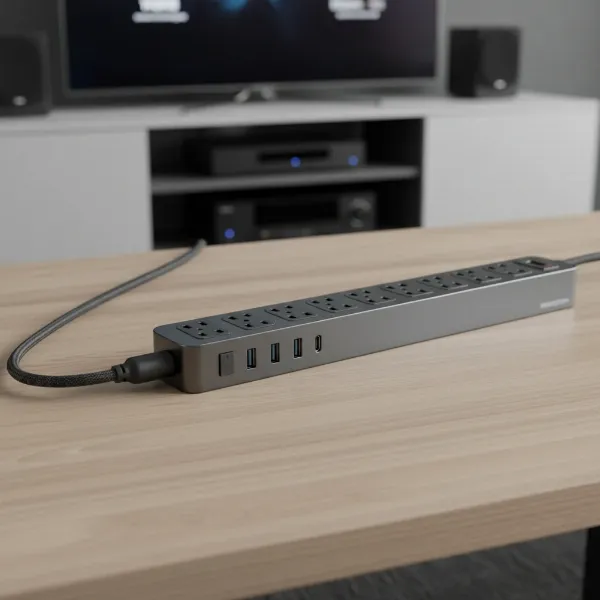
Living in a small apartment often means navigating limited space and even more limited wall outlets. The constant struggle to power all your essential devices—from laptops and phones to smart home gadgets and kitchen appliances—can lead to a tangled mess of cords and, more importantly, potential electrical hazards. Choosing the right power strip isn’t just about adding more outlets; it’s about optimizing your compact living area, enhancing safety, and ensuring all your electronics receive the power they need efficiently. This comprehensive guide, crafted from years of expertise, will help you uncover the best power strip solutions perfectly suited for the unique demands of apartment life, empowering you to make an informed decision for a clutter-free and safely powered home.
What is a Power Strip and Why Do You Need It?
A power strip is a block of electrical sockets attached to a flexible cable, allowing you to power multiple electrical devices from a single wall outlet. Often referred to as outlet extenders, power bars, or multi-plug adapters, these devices are crucial for modern living, especially in apartments where the number of wall outlets is typically insufficient for our growing collection of electronics.
The primary function of a power strip is to expand your available power sources. Beyond simply adding outlets, many power strips offer significant benefits. They can centralize your charging station, making it easier to manage cables and keep your space tidy. For apartment dwellers, this means transforming a single, often inconveniently located wall outlet into a versatile power hub for your home office, entertainment system, or bedside charging needs. Common devices connected to power strips include laptops, smartphones, tablets, desk lamps, gaming consoles, smart speakers, and small kitchen appliances.
Popular Types of Power Strips on the Market
The market offers a diverse range of power strips, each designed with specific features to cater to different needs. Understanding these variations is key to selecting the perfect power solution for your small apartment.
Basic Power Strip
A basic power strip typically provides several additional AC outlets without advanced features like surge protection. These are straightforward devices designed for simple outlet expansion.
- Description: Offers multiple standard electrical outlets (e.g., 4-6) in a rectangular housing with an on/off switch.
- Advantages: Affordable, readily available, provides immediate additional outlets.
- Disadvantages: Lacks protection against power surges, can still lead to overloaded circuits if not used carefully, often bulky.
- Suitable Applications: Connecting low-power devices like lamps or chargers where surge protection isn’t critical, or in areas with robust built-in surge protection.
|
Our Picks for the Best Power strip in 2026
As an Amazon Associate I earn from qualifying purchases.
|
||
| Num | Product | Action |
|---|---|---|
| 1 | KMC 6-Outlet Surge Protector Power Strip 2-Pack, 900 Joules, 4-Foot Extension Cord, Overload Protection, Black |

|
| 2 | Surge Protector Power Strip - HANYCONY 8 Outlets 4 USB (2 USB C) Charging Ports, Multi Plug Outlet Extender, 5Ft Braided Extension Cord, Flat Plug Wall Mount Desk Charging Station for Home Office ETL |
|
| 3 | Anker Power Strip with 2100J Surge Protector, Outlet Extender, 5ft Extension Cord with Multiple Outlets, 12 AC, 2 USB A,1 USB C Port for 20W, Home Office, Dorm Room Essentials, TUV Listed |
|
| 4 | Belkin 12-Outlet Surge Protector Power Strip w/ 12 AC Outlets & 8ft Flat Plug, UL-Listed Heavy-Duty Extension Cord for Home, Office, Travel, Computer, Laptop, Charger - 3,940 Joules of Protection |
|
| 5 | Power Strip, ALESTOR Surge Protector with 12 Outlets and 4 USB Ports, 6 Feet Extension Cord (1875W/15A), 2700 Joules, ETL Listed, Black |
|
| 6 | 6 Ft Surge Protector Power Strip - 8 Widely Outlets with 4 USB Ports, 3 Side Outlet Extender with 6 Feet Extension Cord, Flat Plug, Wall Mount, Desk USB Charging Station, ETL,White |
|
| 7 | Surge Protector Power Strip - Nuetsa Flat Plug Extension Cord with 8 Outlets and 4 USB Ports, 6 Feet Power Cord (1625W/13A), 2700 Joules, ETL Listed, Black |
|
| 8 | Power Strip Surge Protector, Olcorife Ultra Thin Flat Plug Extension Cord 5ft, 6 Outlets 3 USB Ports(1 USB C), 3 Sided Outlet Extender for Home Office Travel Dorm Room Essentials, White |
|
| 9 | 6Ft Power Strip Surge Protector - Yintar Extension Cord with 6 AC Outlets and 3 USB Ports for for Home, Office, Dorm Essentials, 1680 Joules, ETL Listed, (Black) |
|
| 10 | Wall Charger, Surge Protector, QINLIANF 5 Outlet Extender with 4 USB Charging Ports, 3-Sided 1680J Power Strip Multi Plug Adapter Spaced for Home Travel Office |
|
Surge Protector
A surge protector looks similar to a basic power strip but includes internal components designed to safeguard connected devices from sudden voltage spikes.
- Description: Features multiple AC outlets and internal circuitry (measured in joules) to absorb excess electrical energy during a surge. Often has indicator lights for protection status and grounding.
- Advantages: Protects sensitive electronics like TVs, computers, and gaming consoles from damage due to power fluctuations, lightning strikes, or other electrical disturbances.
- Disadvantages: More expensive than basic power strips, surge protection degrades over time and needs replacement (typically every 2-3 years), still susceptible to overloading if too many high-wattage devices are connected.
- Suitable Applications: Essential for protecting valuable electronics in any apartment, especially in areas prone to power instability. Look for ratings in the thousands of joules for adequate protection.
Smart Power Strip
Smart power strips offer enhanced control and energy-saving capabilities, often integrating with smart home ecosystems.
- Description: Equipped with Wi-Fi connectivity, allowing individual outlets or groups of outlets to be controlled remotely via a smartphone app or voice commands. Some models include energy monitoring.
- Advantages: Reduces “phantom load” by automatically shutting off power to devices when not in use, improves energy efficiency, offers convenience through scheduling and remote control, enhances safety by preventing constant power draw.
- Disadvantages: Higher cost, requires a Wi-Fi connection, setup can be more complex.
- Suitable Applications: Ideal for tech-savvy apartment dwellers looking to automate their power management, save energy, and control devices like lamps, fans, or chargers from anywhere.
USB Power Strip
Many modern power strips incorporate USB charging ports alongside traditional AC outlets, streamlining your charging setup.
- Description: Features standard AC outlets plus USB-A and often USB-C ports for direct charging of smartphones, tablets, and other portable devices.
- Advantages: Eliminates the need for bulky USB wall adapters, saves space, provides faster charging for compatible devices (especially with USB-C), reduces clutter.
- Disadvantages: USB port power output varies by model; some may not provide fast charging for all devices.
- Suitable Applications: Perfect for bedside tables, desks, or living room charging stations where multiple mobile devices and other small electronics need power.
[image-1|apartment-power-strip-types|A collection of diverse power strips suitable for apartment living, showcasing different types like compact, smart, and USB power strips arranged neatly on a wooden surface.|
An illustrative image of various power strips: a compact basic strip, a surge protector with indicator lights, a smart power strip with Wi-Fi symbols, a multi-port USB power strip, and a travel power strip. They are arranged on a light wooden table, with a soft-focus background of a modern apartment interior. The style is clean and slightly realistic, with good lighting highlighting the features of each strip.]
Travel Power Strip
Designed for portability, travel power strips are compact and often feature flat plugs and versatile charging options.
- Description: Small, lightweight power strips, often with flat plugs that fit behind furniture, and sometimes universal voltage capabilities or international plug adapters. Some are cruise ship approved (meaning they typically lack surge protection, as some cruise lines prohibit them).
- Advantages: Extremely portable, space-saving, ideal for temporary setups or moving between locations within a small apartment, useful for actual travel.
- Disadvantages: Fewer outlets and often lower surge protection (or none at all) compared to home-use models, may have shorter cords.
- Suitable Applications: Perfect for temporary charging needs, occasional use in different rooms, or if you frequently travel and want a consistent power hub.
Comparison Table of Power Strip Types
| Feature | Basic Power Strip | Surge Protector | Smart Power Strip | USB Power Strip | Travel Power Strip |
|---|---|---|---|---|---|
| Functionality | Outlet expansion | Outlet expansion + surge protection | Smart control + energy saving + surge protection | Outlet expansion + USB charging + surge protection (often) | Compact outlet expansion + USB charging (often) |
| Price Range | Low | Medium | High | Medium | Low to Medium |
| Durability | Standard | Good (internal components degrade) | Good | Good | Good (designed for travel) |
| Special Features | On/Off switch | Joule rating, indicator lights, circuit breaker | Wi-Fi, app control, scheduling, energy monitoring | USB-A, USB-C, fast charging | Flat plug, compact size, sometimes non-surge |
| Apartment Suitability | Good for non-critical devices, space-saving options exist | Essential for electronics | Excellent for smart homes & energy efficiency | Great for decluttering charging | Excellent for portability & temporary setups |
How to Choose the Right Power Strip for Your Apartment (Buying Guide)
Selecting the best power strip for a small apartment requires careful consideration of your specific needs and the technical specifications of the device.
Determine Your Usage Needs
Start by evaluating what you’ll be plugging in and where the power strip will be located.
- Number of Outlets: Count the devices you regularly use. Do you need 4, 6, 8, or more outlets? Remember that bulky adapters can block adjacent outlets, so consider designs with wider spacing or rotating outlets.
- Types of Devices: Are you powering low-power chargers, sensitive electronics like a computer, or a mix? This determines the need for surge protection, USB ports, or even smart features.
- Placement: In a small apartment, space is a premium. Do you need a compact, cube-shaped, or wall-mounted power strip? A flat plug can be essential for fitting behind furniture, and a long cord (6-10 feet) provides flexibility without needing an additional extension cord.
Key Technical Factors to Consider
Technical specifications directly impact safety and performance.
- Maximum Power Capacity (Wattage/Amperage): Ensure the power strip can handle the combined wattage of all devices. Most household power strips are rated for 15 amps (1875 watts at 125 volts). Avoid plugging high-wattage appliances (heaters, microwaves, air conditioners) into power strips; these should go directly into wall outlets.
- Surge Protection (Joules): If protecting valuable electronics, look for a surge protector, not just a basic power strip. A joule rating of 1000-2000 is generally good for home office equipment and entertainment systems, while higher ratings offer more robust protection. Surge protectors should also have a UL (Underwriters Laboratories) certification, indicating they meet safety standards.
- Safety Standards: Always check for certifications from nationally recognized testing laboratories such as UL, ETL, or CSA. These ensure the product meets stringent safety requirements. Look for features like overload protection with an integrated circuit breaker, which automatically cuts power if the strip is overloaded.
- Cord Length: Choose a cord length that allows flexible placement without creating tripping hazards or requiring additional extension cords. For apartments, 6-10 feet is often ideal.
Brands and Pricing
Many reputable brands offer power strips, ranging from budget-friendly to premium smart options.
- Trusted Brands: Anker, Belkin, Tessan, Amazon Basics, CyberPower, and Insignia are frequently recommended for their reliability and safety features.
- Price Comparison: Basic power strips can be found for under $10, while good quality surge protectors with USB ports typically range from $15-$30. Smart power strips or those with advanced features can cost $30-$60 or more. Balance features with your budget, prioritizing safety certifications and surge protection for critical devices.
- User Reviews: Always read customer reviews to get real-world insights into product performance, durability, and any potential issues. Look for consistent feedback regarding ease of use, spacing between outlets, and overall satisfaction.
Reviews and Feedback from Other Users
Harness the power of community knowledge. Seek out reviews from other apartment dwellers or those with similar space constraints. Forums, tech blogs, and online retail sites are excellent resources. Pay attention to comments regarding flat plugs, wall-mounting capabilities, and how well specific power strips manage cable clutter in tight spaces.
Top 5 Power Strips for Small Apartment Living Now
Based on their compact design, practical features, and safety measures crucial for apartment life, here are five highly-rated power strips perfect for optimizing your limited space.
-
Anker Surge Protector Power Strip:
- Pros: Excellent safety features (surge protection, fire resistance, overload protection), includes 12 AC outlets, 2 USB-A ports, and 1 fast-charging USB-C port, ample space between outlets, mountable design.
- Cons: The extension cord is robust but can be less flexible for very tight corners.
- Why it’s a Top Pick: Anker consistently delivers reliable tech. Its generous outlet count, coupled with USB-C fast charging and comprehensive safety protocols, makes it a versatile hub for any apartment setup, especially for a tech-heavy workstation or entertainment center. The mountable design helps keep floors clear.
-
Tessan Flat Plug Extension Cord Power Strip:
- Pros: Compact and portable design with a flat plug that sits flush against the wall, widely spaced outlets, includes 3 USB ports, wall-mountable via screw holes.
- Cons: Shorter extension cord compared to some models, surge protection (900 joules) is decent but not the highest.
- Why it’s a Top Pick: The flat plug is a game-changer for small apartments, allowing furniture to sit closer to the wall. Its compact size and wall-mounting option make it ideal for bedside tables, under desks, or behind entertainment units where space is at a premium.
-
Amazon Basics 6-Outlet Surge Protector:
- Pros: Great value, compact size, offers 6 AC outlets and 2 USB-A ports, 1,000 joules of surge protection, built-in circuit breaker, LED indicator for grounded protection.
- Cons: Limited space between outlets can be challenging for bulky adapters.
- Why it’s a Top Pick: An excellent budget-friendly option that doesn’t compromise on essential surge protection. It’s a straightforward, reliable choice for general use in an apartment, providing basic expansion and protection without a large footprint.
-
Addtam Wall Charger Surge Protector:
- Pros: Plugs directly into a wall outlet, saving floor or desk space, offers 5 AC outlets, 3 USB-A ports, and 1 USB-C port, surprisingly high 1,800 joules of surge protection.
- Cons: AC outlets face downwards, which can cause cables to overlap in some scenarios.
- Why it’s a Top Pick: This wall-mounted option is superb for maximizing utility from existing outlets without adding to clutter. It’s perfect for kitchens, bathrooms (if suitable for the location), or any area where you need more power and charging capabilities directly from the wall.
-
j5create Smart Matter Enabled Surge Protector Power Strip:
- Pros: Smart Matter compatibility for seamless smart home integration, features 4 AC outlets, 3 USB-A ports, and 1 USB-C port, surge protection, individually controlled smart outlets.
- Cons: Higher price point due to smart features, 500 joules of surge protection is on the lower side for critical electronics.
- Why it’s a Top Pick: For the smart apartment dweller, this offers the ultimate in control and energy efficiency. Its Matter compatibility ensures future-proof connectivity, allowing you to manage devices remotely and cut phantom load, all while providing ample charging ports.
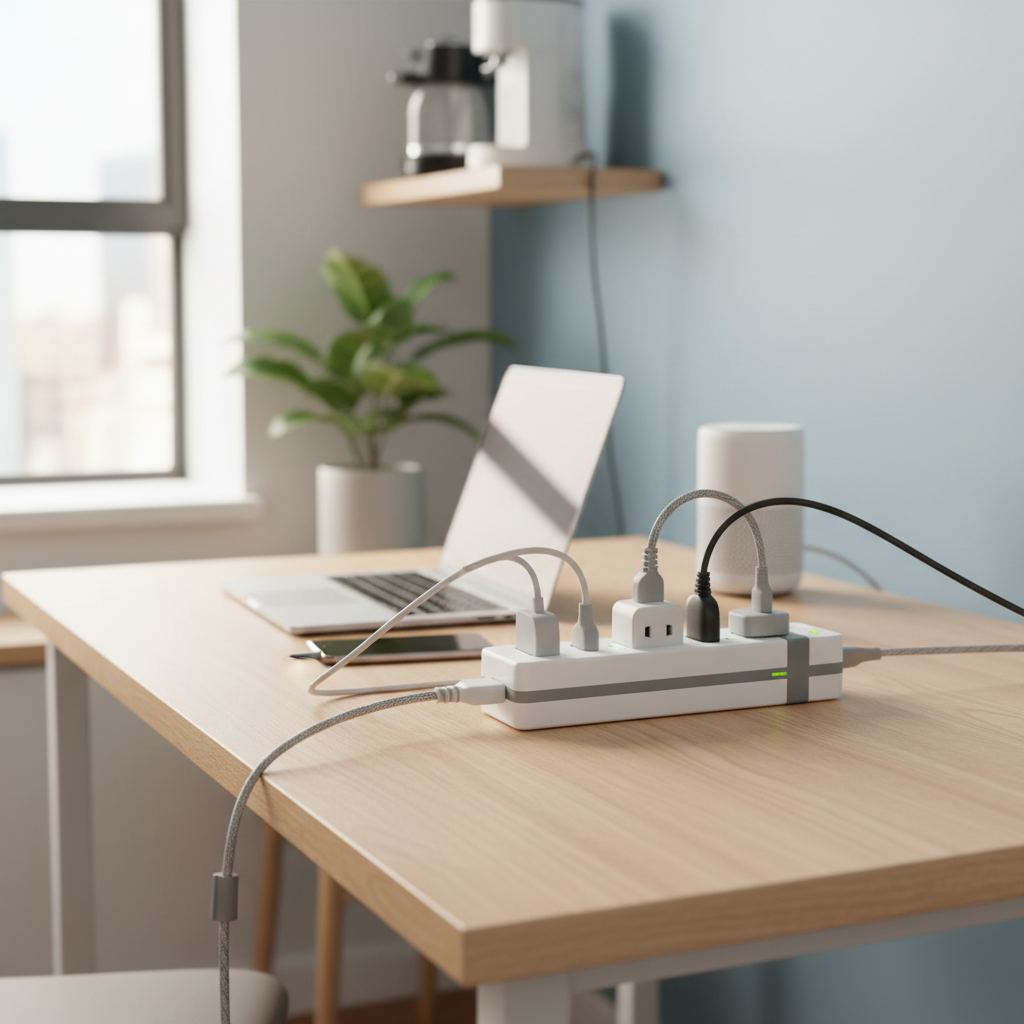
[image-2|compact-apartment-power-strip-setup|A neatly organized power strip with multiple devices plugged in, positioned discreetly behind a small desk in an apartment, highlighting efficient space utilization and cable management.|
A clean, realistic photograph of a compact power strip (like the Tessan Flat Plug or a small cube model) positioned behind a minimalist wooden desk in a modern, small apartment. Several device cables (laptop, phone charger, lamp) are plugged in, managed neatly with cable ties, showing an organized and clutter-free workspace. Soft, natural light enters from a nearby window.]
How to Use and Maintain Your Power Strip Safely
Using power strips correctly is paramount to preventing electrical hazards like fires, overheating, and damage to your devices. Over 3,300 home fires annually originate from power strips and extension cords, underscoring the importance of safe practices.
Do’s for Safe Use:
- Match Amperage: Always use power strips and extension cords that match the amperage of the appliances you plan to connect.
- Indoor Use Only: Use indoor-rated power strips exclusively indoors. If a strip is exposed to moisture or extreme weather, it can cause damage and dangerous accidents.
- Distribute Devices: Avoid plugging everything into a single power strip or wall outlet. Distribute your devices across different outlets or rooms to prevent overloading.
- Check for Damage: Regularly inspect your power strips and surge protectors for any signs of damage, such as frayed cords, cracks, exposed wires, or if the unit feels hot to the touch. Replace damaged units immediately.
- Unplug by the Plug: When unplugging a device or the power strip itself, always pull on the plug, not the cord, to prevent damage to the internal wiring.
- Use Circuit Breakers: Always opt for power strips that feature an internal circuit breaker, which automatically shuts down power during an overload to prevent overheating and fire.
Don’ts for Safe Use:
- No Daisy-Chaining: Never plug one power strip into another power strip or into an extension cord. This practice, known as “daisy-chaining,” creates a significant overload risk and fire hazard.
- Avoid High-Wattage Appliances: Do not plug high-power devices such as space heaters, air conditioners, refrigerators, microwaves, hair dryers, or curling irons into power strips. These appliances draw too much current and should be plugged directly into a wall outlet.
- Keep Uncovered: Never place power strips or cords under carpets, rugs, furniture, or cover them with anything that can limit air circulation. This can trap heat and lead to overheating or fire. Ensure they are always uncovered and in a location where air can circulate freely.
- Away from Water: Keep power strips and all electrical devices away from water, wet hands, or any moisture. Never use plugged-in electrical devices near bathtubs, sinks, or showers.
- Don’t Overload: Be mindful of the number and type of devices you plug into a power strip. Overloading it can quickly lead to overheating and potential fires.
Frequently Asked Questions
Can I plug an appliance like a mini-fridge into a power strip in my small apartment?
It is generally not recommended to plug high-wattage appliances, including mini-fridges, into a power strip. These devices draw significant power and can overload the power strip, posing a fire hazard. Always plug high-energy appliances directly into a dedicated wall outlet.
How do I know if my power strip has surge protection?
A power strip with surge protection will usually be explicitly labeled as a “surge protector” or “surge suppressor” on its packaging or the unit itself. It will often list a “joule rating” (e.g., 1000 joules) and may have indicator lights for “protected” and “grounded” status.
How often should I replace my surge protector?
Surge protectors degrade over time with each power spike they absorb. It is generally recommended to replace them every two to three years, or immediately after a major power surge (like a lightning strike) even if the indicator light still shows it’s working.
Are wall-mounted power strips safe for apartments?
Yes, wall-mounted power strips are generally safe and an excellent space-saving solution for apartments. They help keep cords organized and off the floor, reducing tripping hazards. Ensure they are properly installed according to manufacturer instructions and meet safety certifications.
What is a “flat plug” power strip and why is it good for small apartments?
A flat plug power strip features a plug designed to sit flush against the wall, rather than protruding outwards. This design is highly beneficial for small apartments as it allows furniture (like sofas or desks) to be placed closer to the wall, maximizing space and preventing damage to the cord or plug.
Can smart power strips really save me money on electricity?
Yes, smart power strips can help you save money by reducing “phantom load” or “vampire drain.” Many devices consume a small amount of electricity even when turned off but still plugged in. Smart power strips allow you to schedule power off times or remotely cut power to individual outlets, eliminating this wasted energy.
What does “daisy-chaining” mean and why is it dangerous?
Daisy-chaining refers to plugging one power strip into another power strip or an extension cord. This practice is extremely dangerous because it can easily overload the original wall outlet and electrical circuit, leading to overheating, electrical fires, and damage to devices. Always plug power strips directly into a wall outlet.
Conclusion
Navigating the electrical needs of a small apartment doesn’t have to be a challenge. By understanding the different types of power strips available and prioritizing models that offer compact designs, ample USB charging, and robust safety features like surge protection, you can transform a cluttered, underpowered space into an organized, efficient, and safe environment. Investing in the right power strip is more than just a convenience; it’s a vital step towards a modern, worry-free apartment living experience. Which essential feature will guide your choice for the perfect apartment power strip?